

Double Happiness - Red
Elegant shuangxi, arch photo frame, happiness seal envelope
TraditionalRed
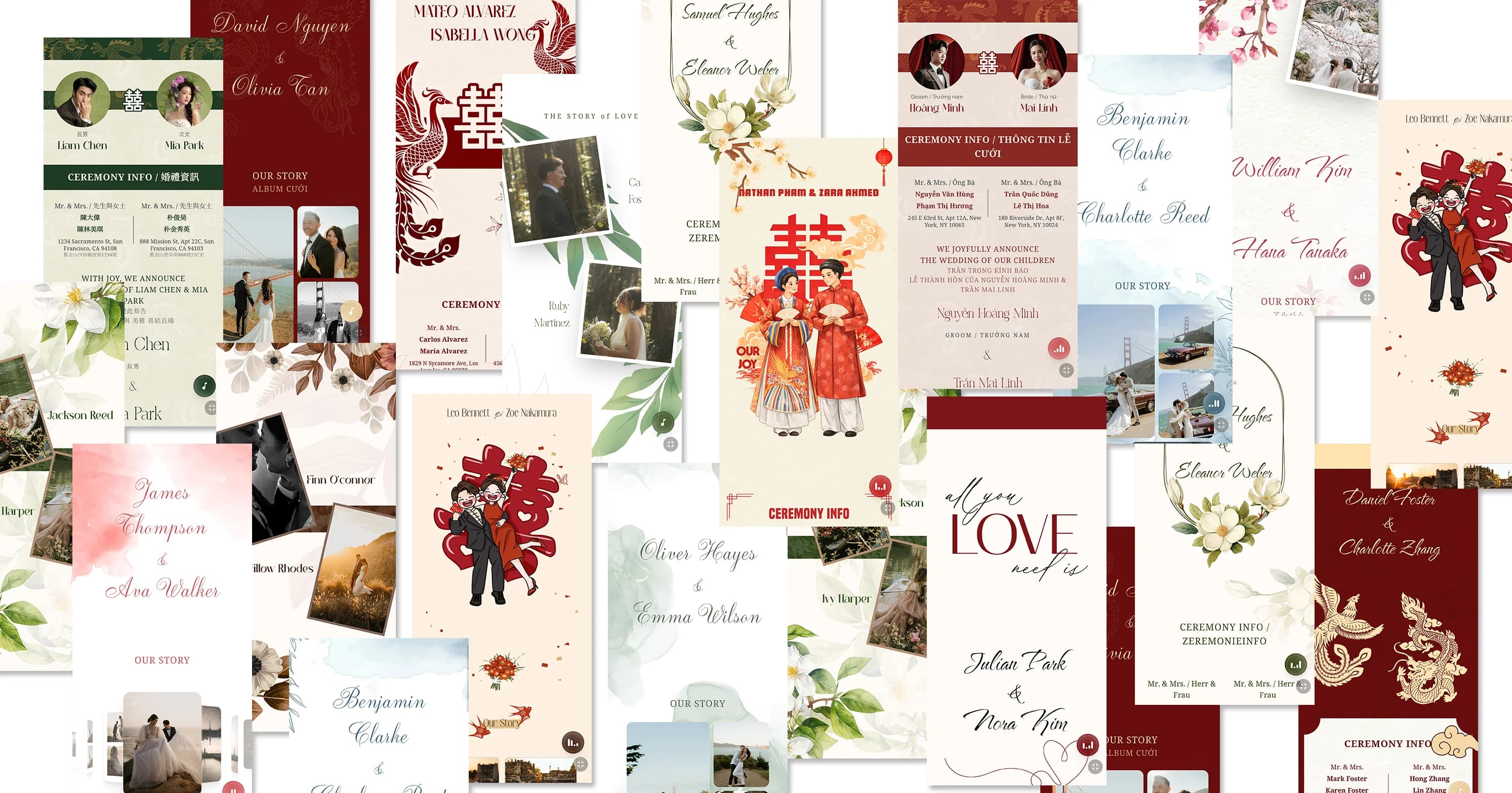
Online wedding invitations — share your joy faster and further with more people.
Free to create · 3-day trial · Pay only if you love it
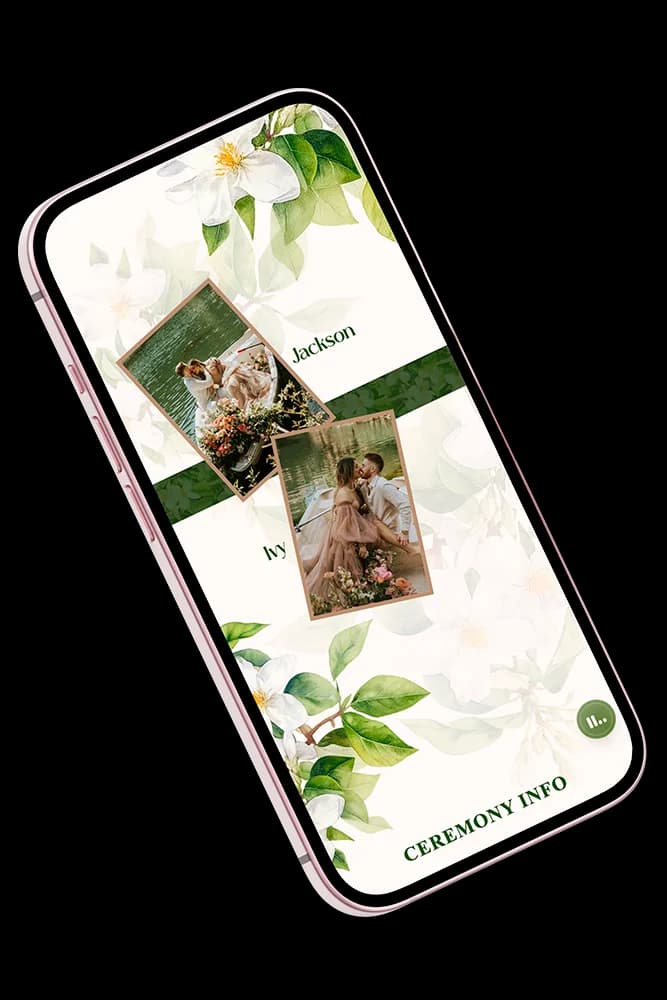
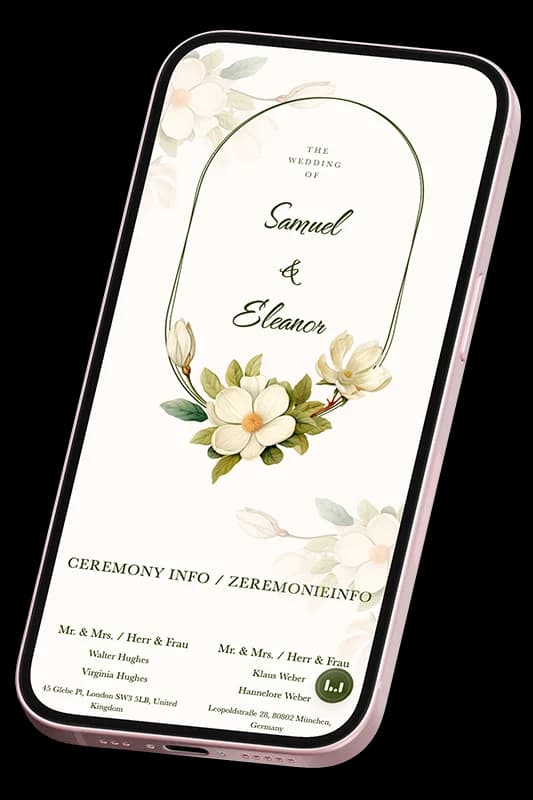
Discover beautifully designed wedding invitation templates
Elegant shuangxi, arch photo frame, happiness seal envelope



















More beautiful templates waiting for you
Registered
Invitations Created
Total Views
Keep the tradition · Enjoy the convenience
Beautiful designs, multiple styles to choose from
Add photos, names, wedding date, and more
Share instantly via LINE, Messenger, or any app
The ChungDoi team is online 24/7. Chat with us whenever you need help.
CREATE GUESTS & MANAGE RSVP
Invite each guest with grace, then focus on your big day. No more scrolling chats to count who's coming or not, your smart guest manager keeps track.
Create guests, send links, and track RSVP from one page.
Groom
Groom
Bride
Bride
You are cordially invited
Cordially Invites
Display your wedding invitation in multiple languages at once. Perfect for weddings with international guests or multicultural families.
One invitation with everything your wedding needs
Perfectly responsive on any phone screen for easy guest browsing
From traditional to modern styles, find the perfect match
Built-in maps so guests can navigate to your venue in one tap
Showcase your best photos with a built-in gallery viewer
Guests can leave their wishes directly on your invitation
Accept gifts via bank transfer QR code, simple and convenient
An online wedding invitation is a beautifully designed digital page that replaces traditional paper invitations. With ChungDoi.com, you can:
You can create your own wedding invitation in just 3 simple steps:
Creating and customizing your invitation is completely free! You can design it however you like at no cost.
After publishing, you get a free 3-day trial with full features. After that, a one-time payment keeps your invitation live forever. The price is shown clearly before you confirm.
You get a unique link to share with your guests. You can:
Not at all! All templates are professionally designed. You just choose a template and fill in your information — no layout adjustments, font selection, or color matching needed.
To create your invitation quickly, have these ready:
Yes! You can edit everything on your invitation anytime, even after publishing. All changes update instantly on the link you already shared — no need to resend.
There is no limit on the number of guests. Just share your invitation link and spread the joy to everyone!