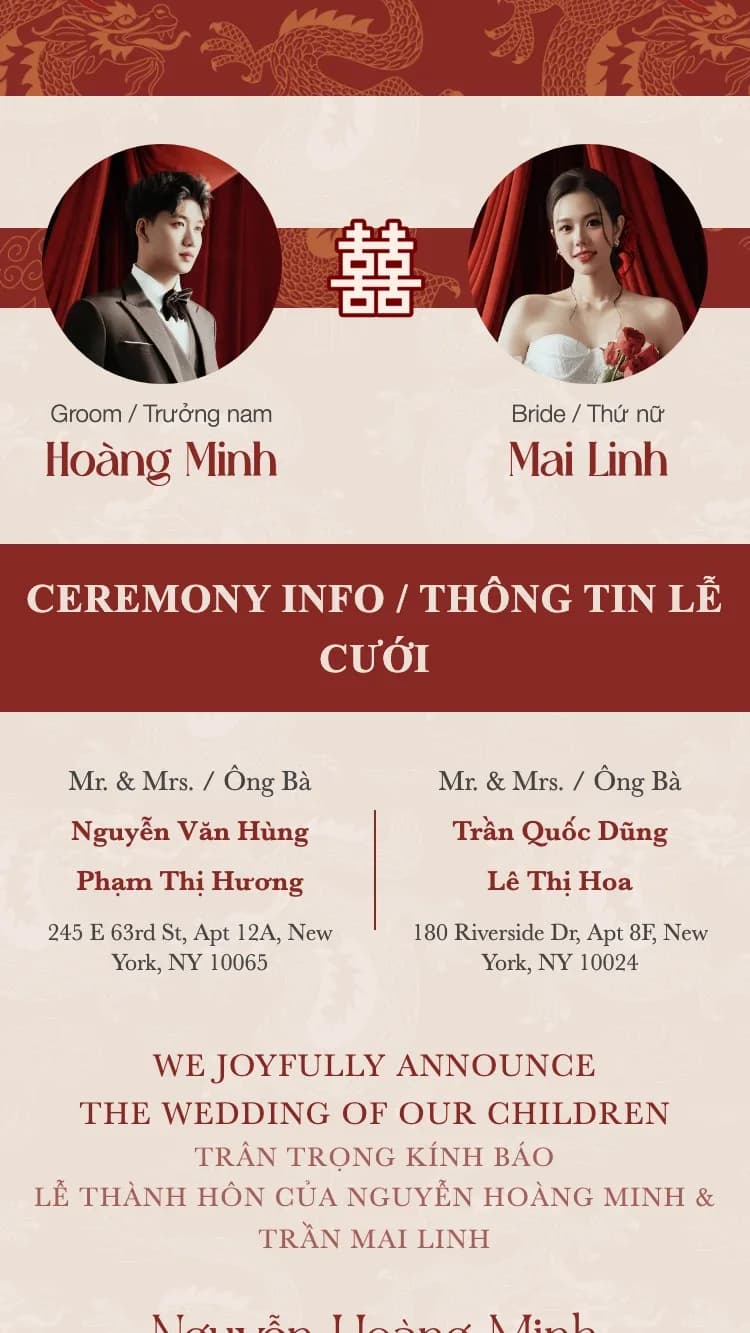
Pick a template, fill in your details, share with guests. Ten minutes is all it takes to have a polished digital wedding invitation.
Just 7 simple steps. No design skills required.
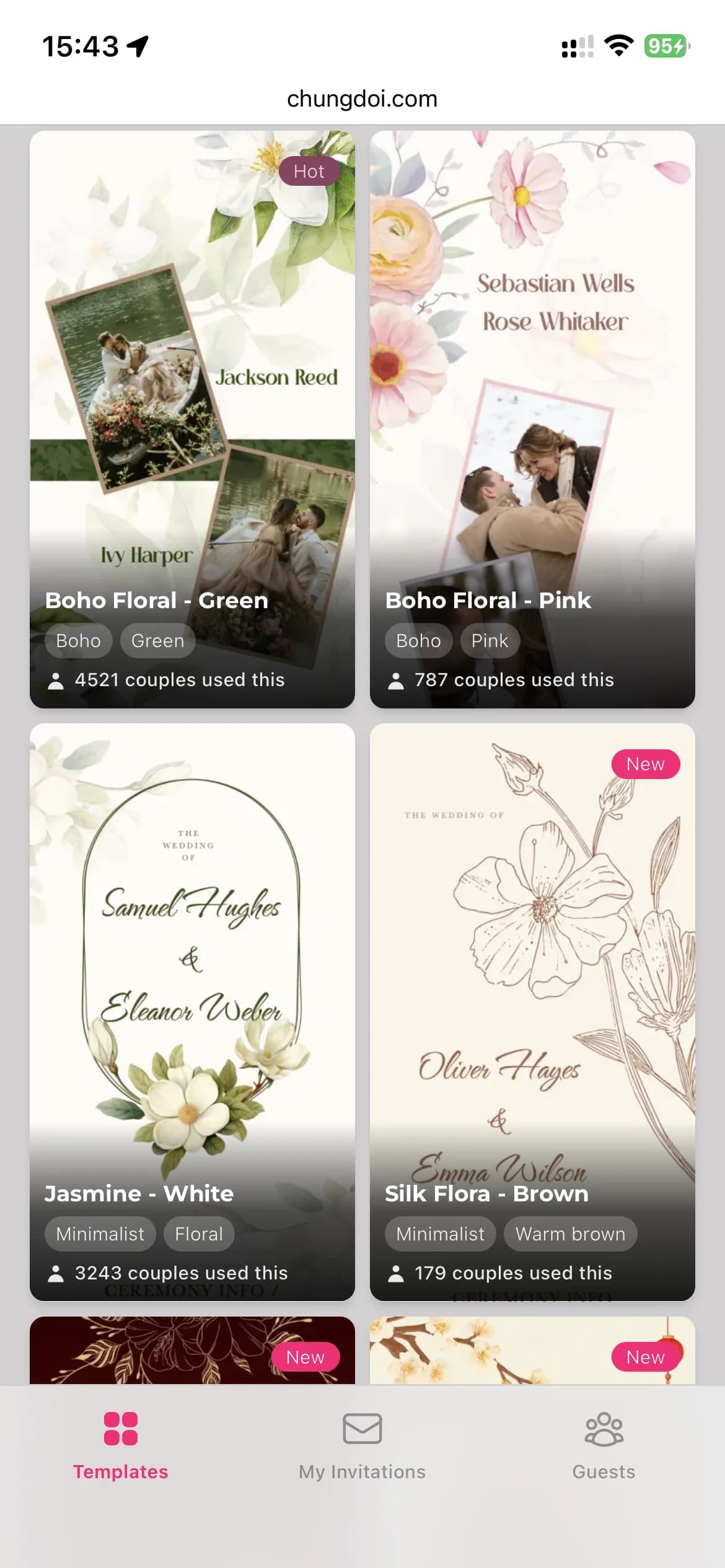
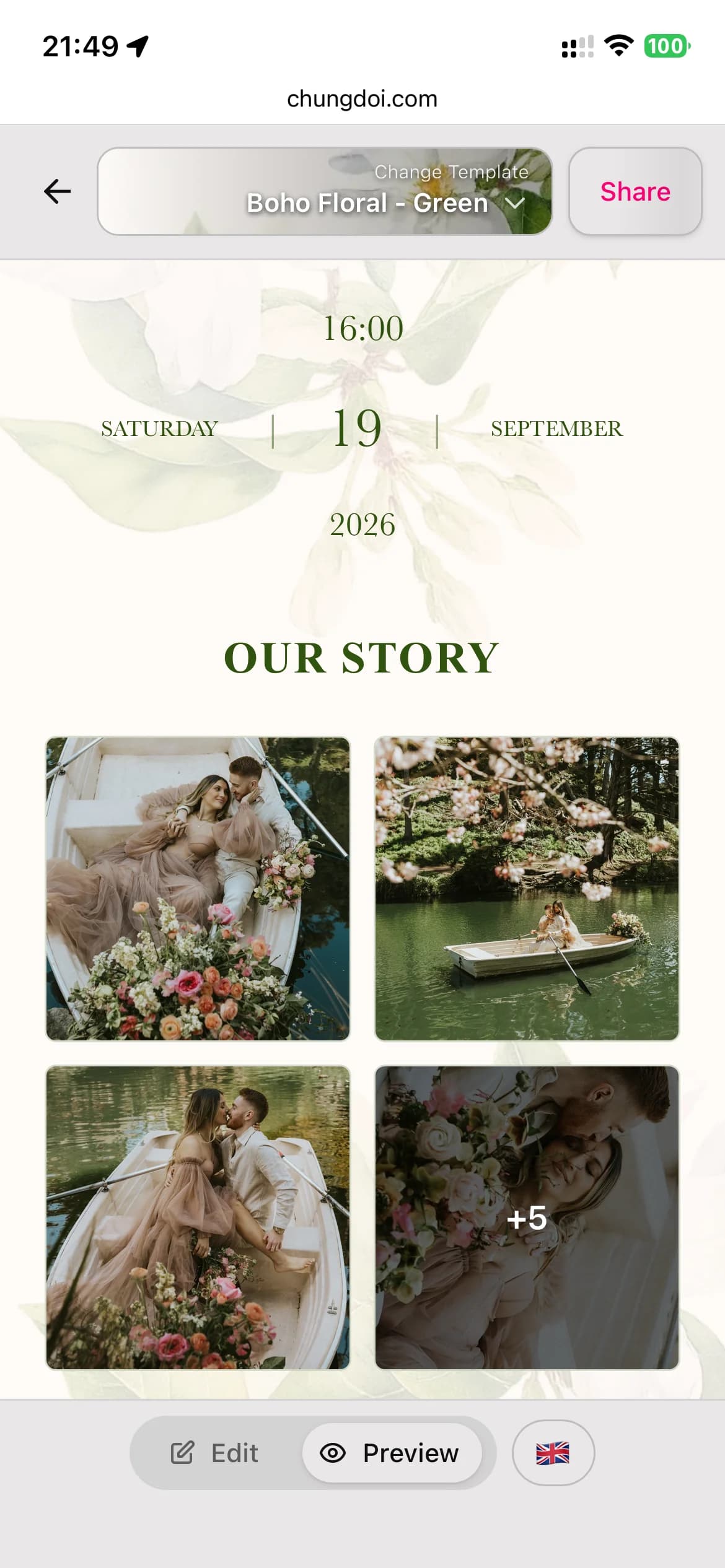
Browse a curated library of professionally designed wedding invitation templates. Every template has its own personality: traditional, modern, garden, minimalist.
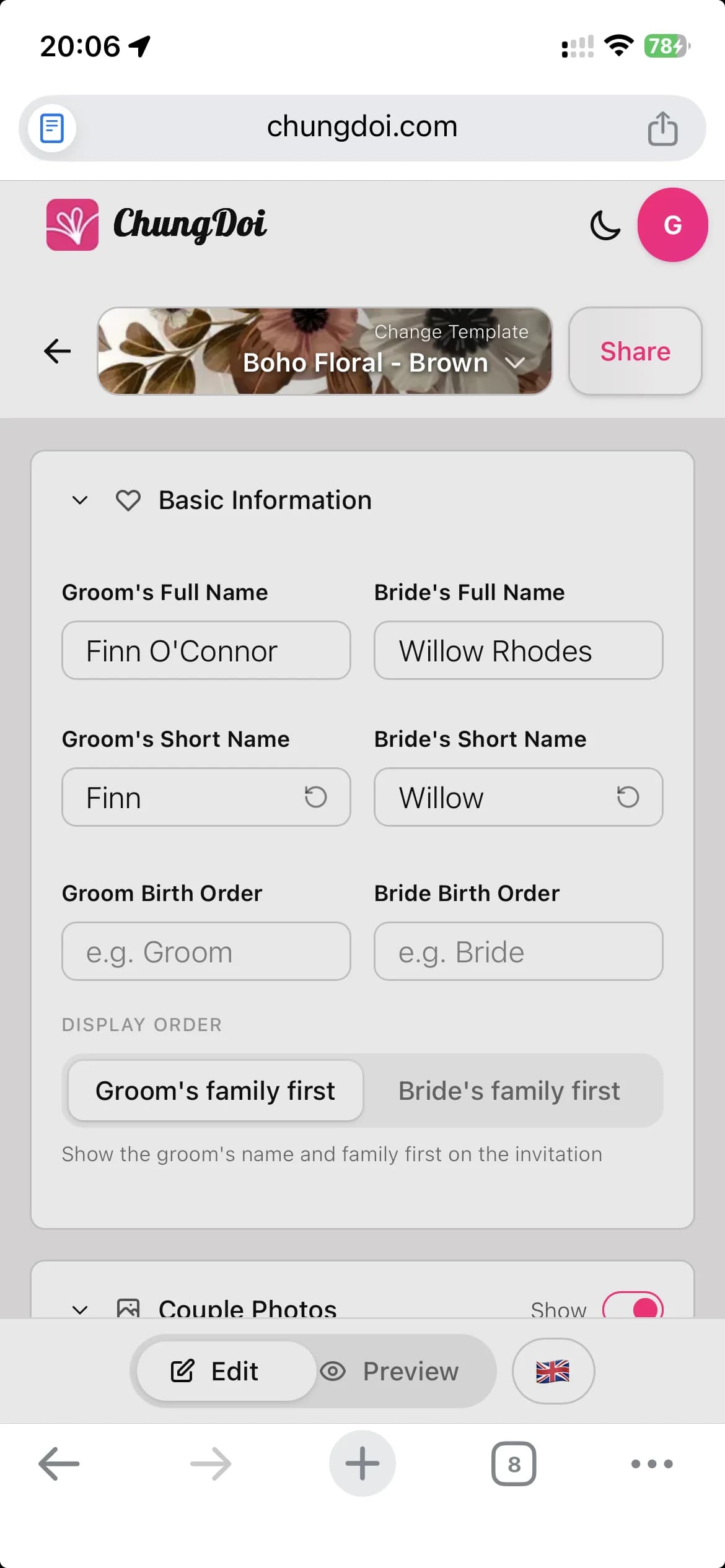
Add the couple's names, family info, ceremony date, and reception venue. The editor is point-and-click with a live preview, so you see every change as you type.
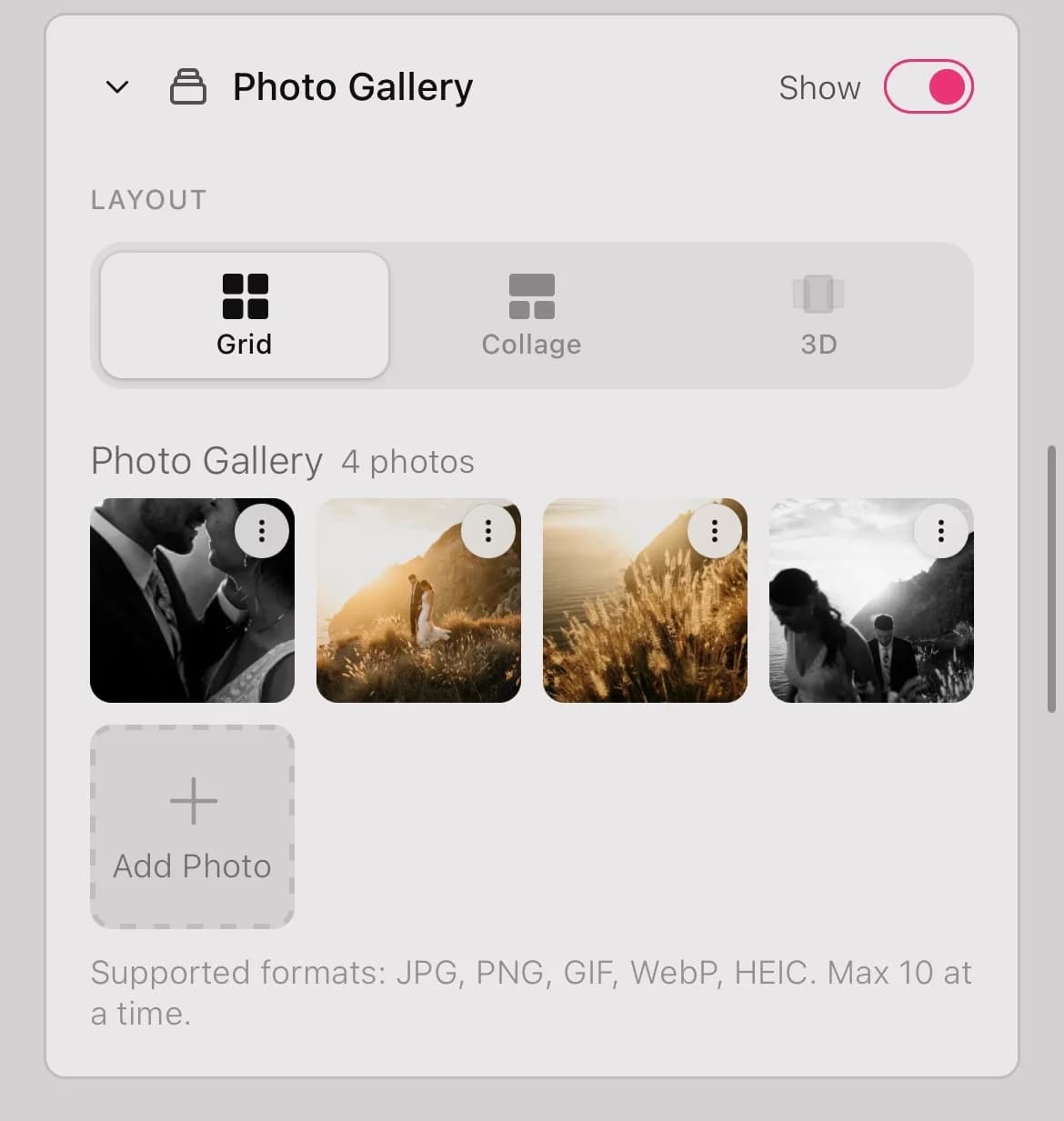
Drop in your wedding photos, pick background music, embed a Google Map, add bank details for gifts, write your thank-you note. Everything in one invitation.
Toggle between edit mode and preview mode to check how the invitation feels to your guests. Catch typos and tweak the layout before sending.
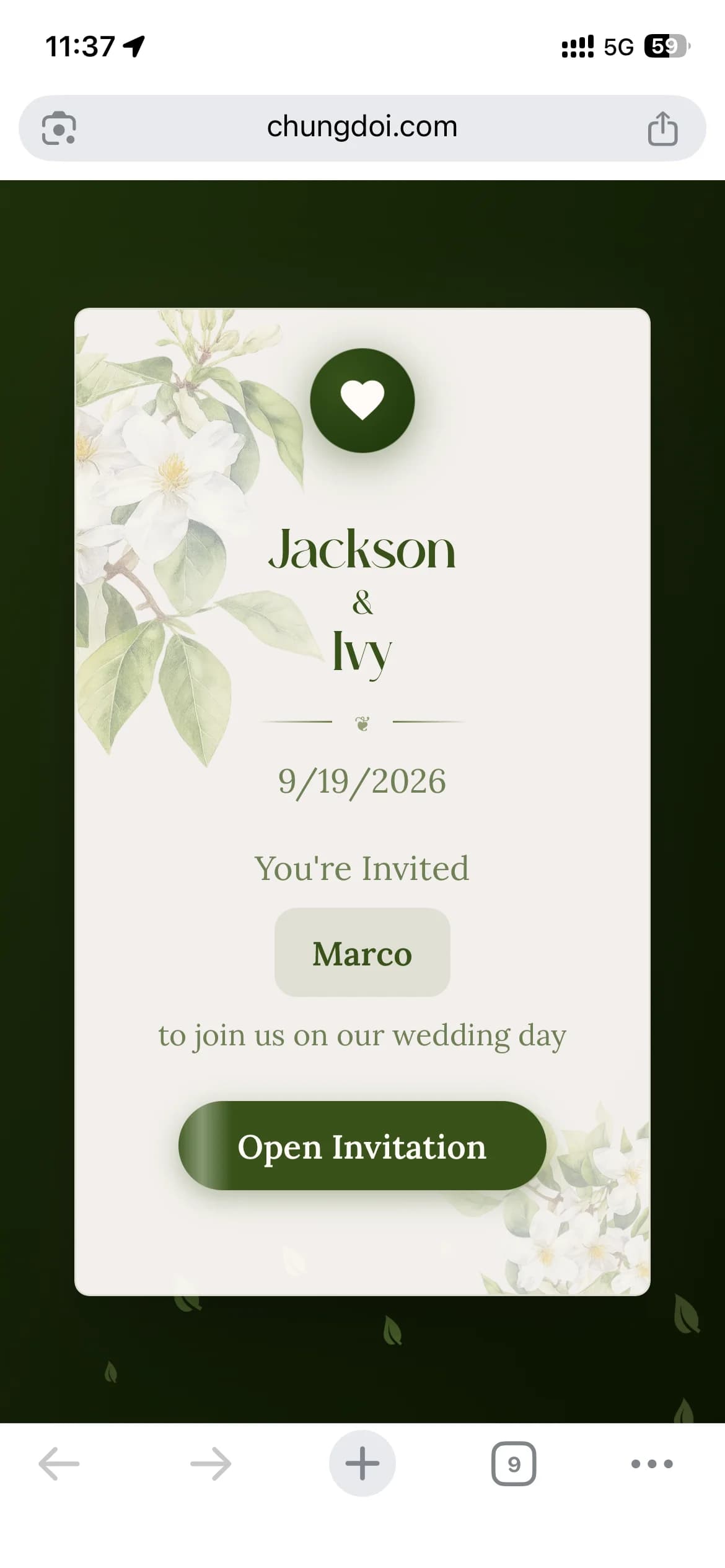
Send one shared link to everyone, or generate a unique link per guest with their name printed on the invitation. Guests feel valued when they see their own name on a card made for them.
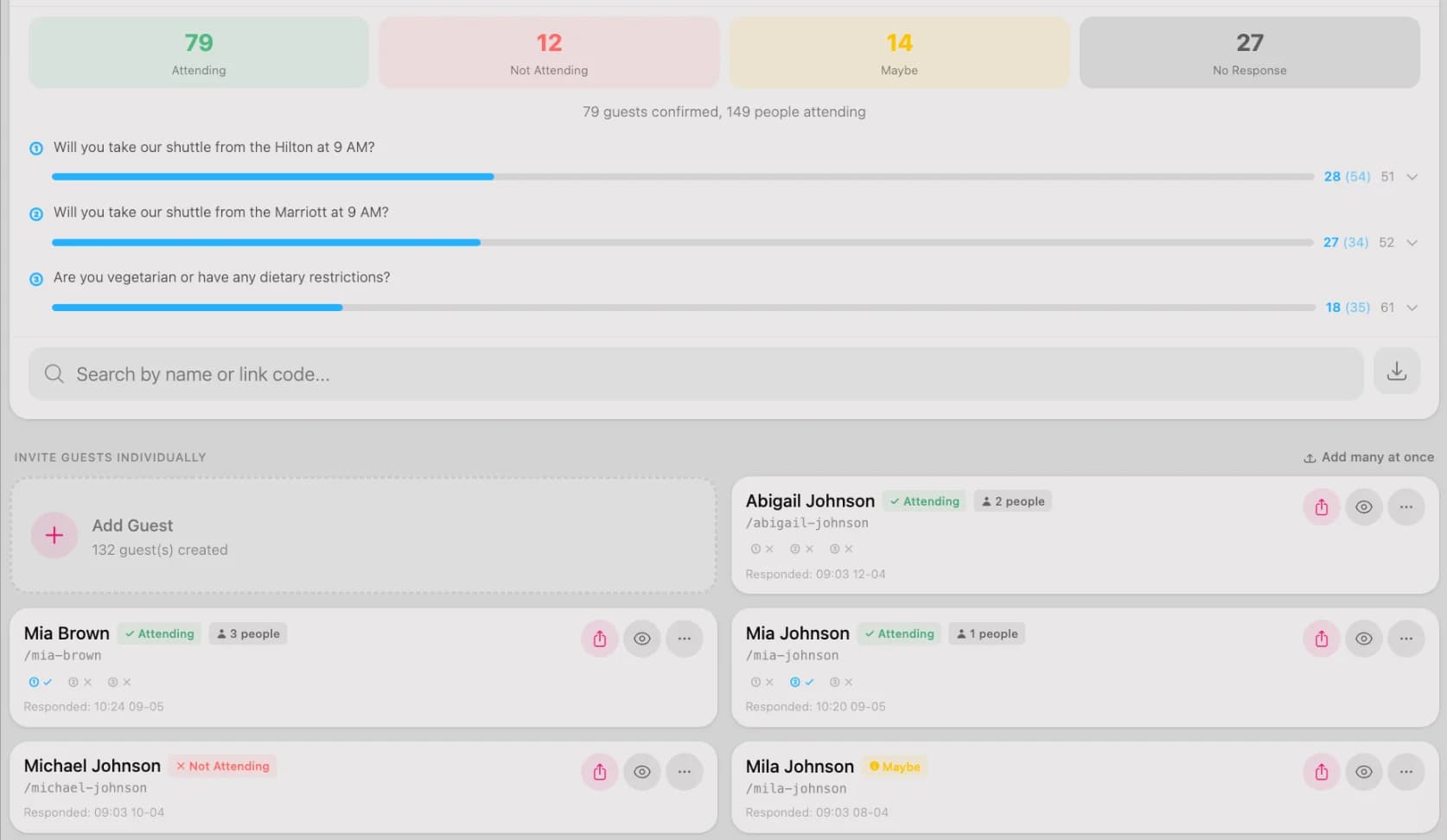
See who has confirmed, who hasn't, and how many guests to plan for. Add custom RSVP questions like dietary needs or shuttle requests so you can prepare ahead.
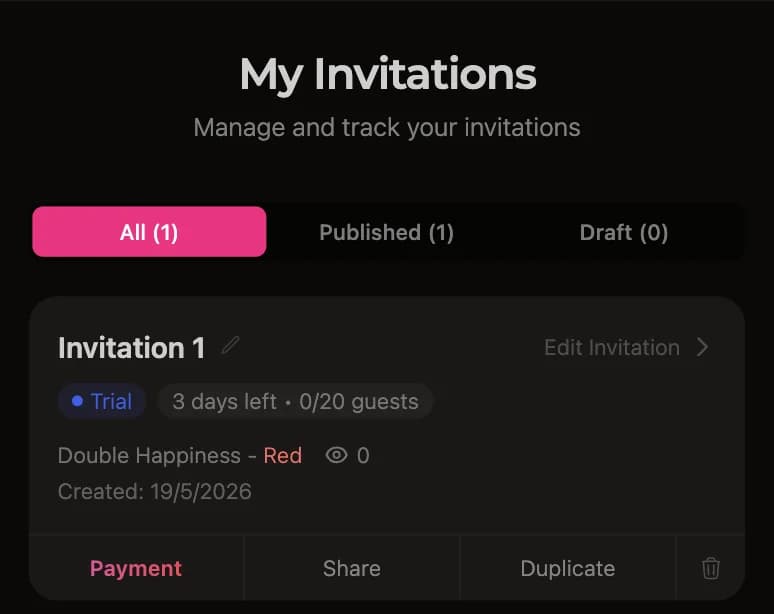
After the 3-day free trial, open the dashboard and tap the pay button. Scan the QR code from your banking app or transfer manually. The invitation activates automatically within seconds of payment.
Many professionally designed templates, each crafted for a different wedding style.
A ChungDoi invitation covers everything you need, from couple info to a built-in gift box.
Enter the bride and groom's full names. Short names are auto-extracted from full names and used on the envelope and smaller fields.
Parents' names from both sides, printed on the formal invitation. A staple of traditional Asian wedding invitations.
Engagement or wedding ceremony details. Multiple events on one invitation are supported, like a betrothal and the formal ceremony.
Reception details, including welcome time, dinner time, restaurant address, and a Google Map so guests can find their way easily.
A vertical timeline of the day's events (welcome, reception, toasts, farewell) so guests know when to arrive, when the key moments happen, and when the party ends, without having to ask.
A live countdown to the wedding day builds anticipation, and a one-tap "Add to calendar" button lets guests save the date to Google Calendar or Apple Calendar.
Upload your favorite engagement and wedding photos. The gallery renders as a grid with a lightbox when guests tap a photo.
Guests confirm attendance directly on the invitation. Customize RSVP questions and review confirmed guests in your dashboard.
Guests leave wishes directly on the invitation. All wishes are public, and you can moderate or delete inappropriate ones.
Show both partners' bank account details so guests can transfer wedding gifts. QR codes are generated automatically from the account number.
A personalized thank-you message at the end of the invitation, expressing gratitude to your guests for attending.
The envelope is the very first screen guests see. Customize the greeting and the guest's name on the envelope to make a memorable first impression.
Pick background music from a curated library. The track plays automatically when guests open the invitation, setting a romantic mood.
Absolutely. Every template is professionally designed. You only choose the one you love and fill in your information. No layout tweaks, font picking, or color matching needed.
About ten minutes. Pick a template, type in your names and date, drop in a few photos, and the invitation is ready. You can build it on your phone in a spare moment, save a draft, and come back later to finish.
Yes. Creating, customizing, and previewing your invitation is free with no signup required. You also get a 3-day full-feature trial after publishing. You only pay when you are sure you love it and want to keep it long term.
To finish your invitation as fast as possible, have these ready:
You get a unique link. Share one link with everyone, or generate a personalized link per guest with their name on the invitation. Send via WhatsApp, Messenger, SMS, or email. Guests can open it on any phone or computer.
Yes. RSVP is built in. Guests confirm directly on the invitation, and you can review the confirmed list in your dashboard, which makes table planning much easier.
Open your dashboard and tap the pay button. The system generates a transfer QR code that you scan with your banking app, or you can transfer manually. The invitation activates automatically within seconds. All major banks are supported.
Yes. You can swap templates, change photos, fix names, update dates, and add music anytime. Switching templates preserves your content. Every change is reflected immediately on the link you already shared, so you never need to resend it.
Pick a template you love and start building your invitation today.