
Double Happiness - Red
Elegant shuangxi, arch photo frame, happiness seal envelope
TraditionalRed
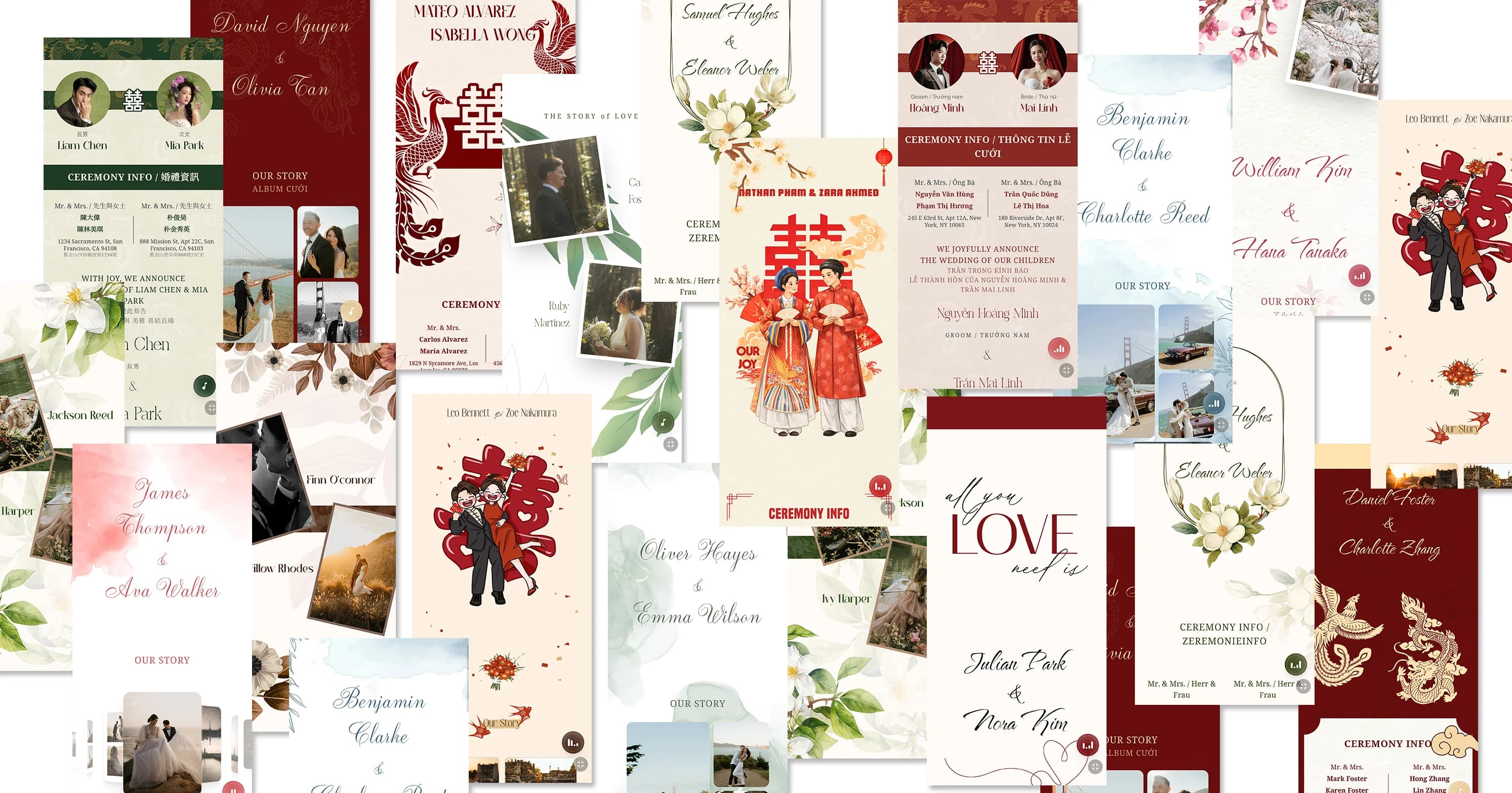
Sua história, cronograma, mapa do local, fotos e RSVP, tudo em um único link.
Crie grátis · Teste de 3 dias · Pague só se amar
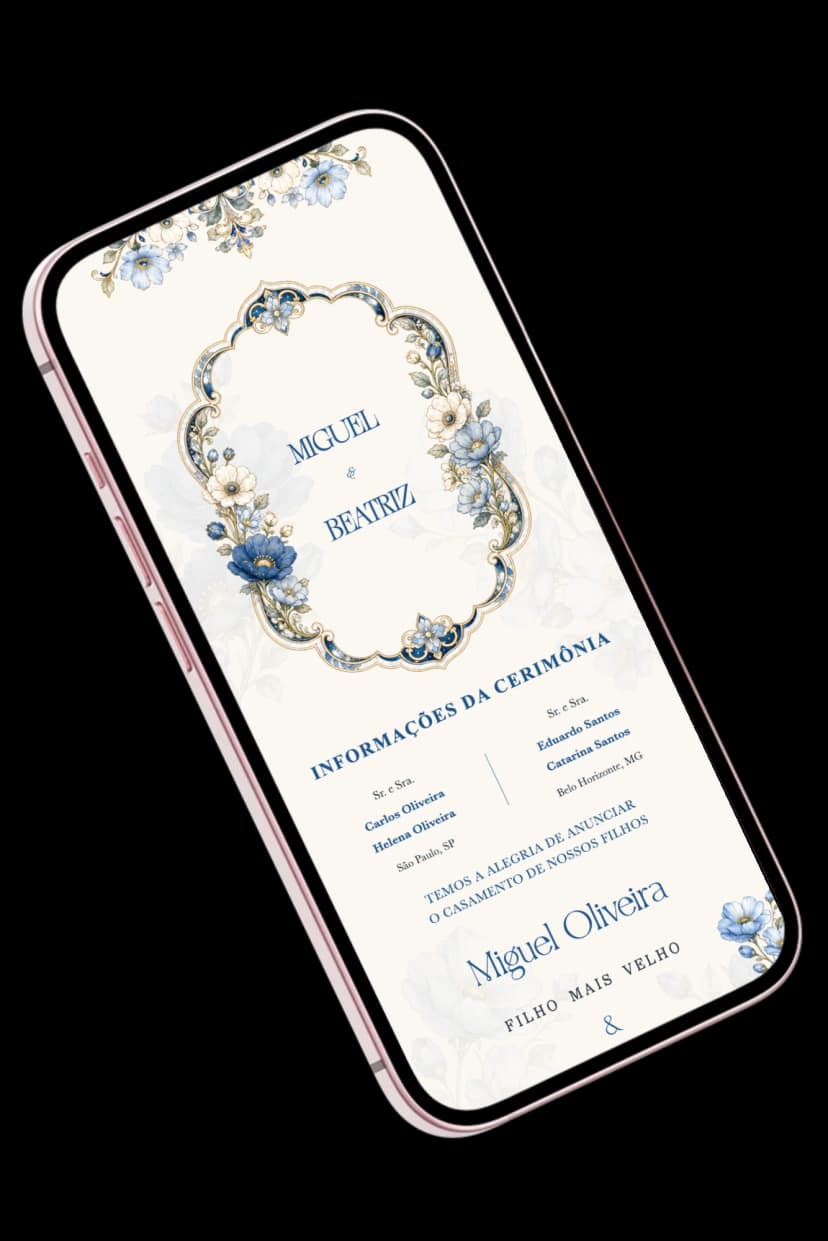
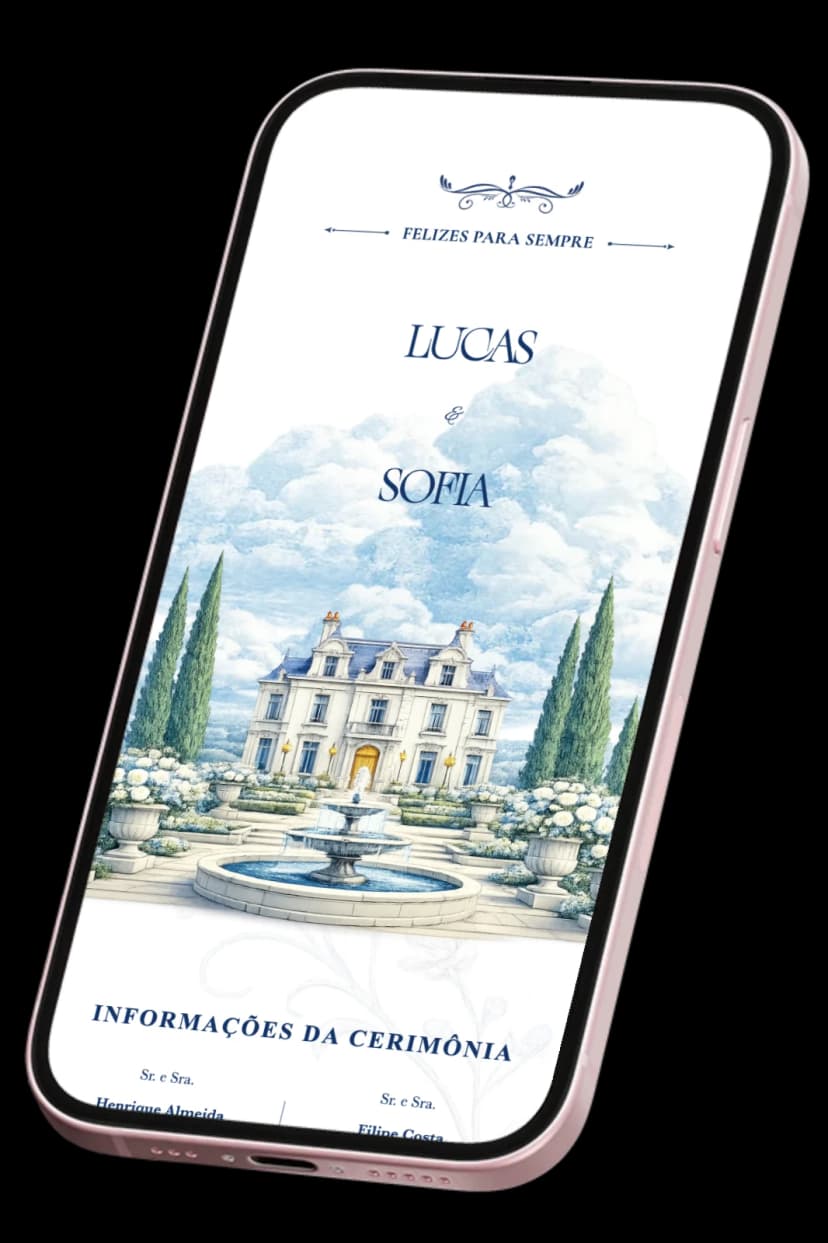
Descubra modelos de convite de casamento com design lindo
Elegant shuangxi, arch photo frame, happiness seal envelope



















Mais modelos lindos esperando por você
A equipe ChungDoi está online 24 horas por dia, 7 dias por semana. Converse conosco sempre que precisar de ajuda.
O essencial para seus convidados, em uma só página
Horários da cerimônia e da recepção apresentados com clareza, para os convidados planejarem o dia.
Um mapa do Google integrado para cada local; os convidados tocam para abrir as rotas.
Suas fotos de pré-wedding apresentadas como galeria, direto na página.
Os convidados deixam seus votos no site; cada mensagem fica salva.
Confirmação com um toque, com contagem de pessoas, totais em tempo real no seu painel.
Um código QR para os convidados enviarem o presente em segundos.
Uma música da sua escolha toca quando os convidados abrem seu link.
Um site que recebe cada convidado no idioma dele.
Casamento fora da cidade, celebração de vários dias, ou algo mais que falta no seu site de casamento? Conte para a gente, estamos adicionando mais recursos a cada design.
Escolha um modelo, adicione seus detalhes, compartilhe um link
Comece com um modelo pronto: cores, tipografia e cada seção já vêm prontos, sem nada para montar do zero.
Preencha nomes, cronograma, locais, fotos e música. Ative ou desative cada seção conforme o seu casamento.
Envie seu link pelo WhatsApp, Messenger ou um código QR. Os convidados abrem o site em qualquer celular e confirmam presença ali mesmo.
RSVP INCLUÍDO
Todo site de casamento ChungDoi já vem com RSVP incluído. Chega de rolar conversas para contar quem vai, seu painel de convidados atualiza em tempo real.
Crie convidados, envie links e acompanhe o RSVP em uma só página.
Noivo
Groom
Noiva
Bride
Você está cordialmente convidado
Cordially Invites
Exiba seu convite de casamento em vários idiomas ao mesmo tempo. Perfeito para casamentos com convidados internacionais ou famílias multiculturais.
Não. Todo convite ChungDoi já inclui sua história, cronograma, mapa do local, álbum de fotos e RSVP, como um site de casamento completo. Não há nada extra para montar.
Sim. O formulário de RSVP fica direto na página: os convidados escolhem comparecer ou não e informam quantas pessoas vão. As respostas aparecem na hora no seu painel de convidados.
Não. Os convidados só precisam abrir seu link em qualquer navegador, em qualquer celular. Nada para baixar, nenhuma conta para criar.
Sim. Você pode criar links pessoais com o nome já preenchido, ou usar um link geral para todos, e nesse caso o registro do convidado é criado automaticamente quando ele faz o RSVP.
Sim. Todo modelo inclui uma seção de cronograma do casamento e um mapa do Google integrado para cada local; os convidados tocam no mapa para abrir as rotas. Você também pode adicionar álbum de fotos, livro de recados e música de fundo.
Sim. Você pode criar seu site de casamento de graça e testar todos os recursos, incluindo RSVP, antes de pagar. Um pagamento único por convite deixa tudo pronto para compartilhar com seus convidados.
Sim. O RSVP pode ser ativado ou desativado por convite, e exibido como um botão que abre uma caixa de diálogo ou direto na página.

