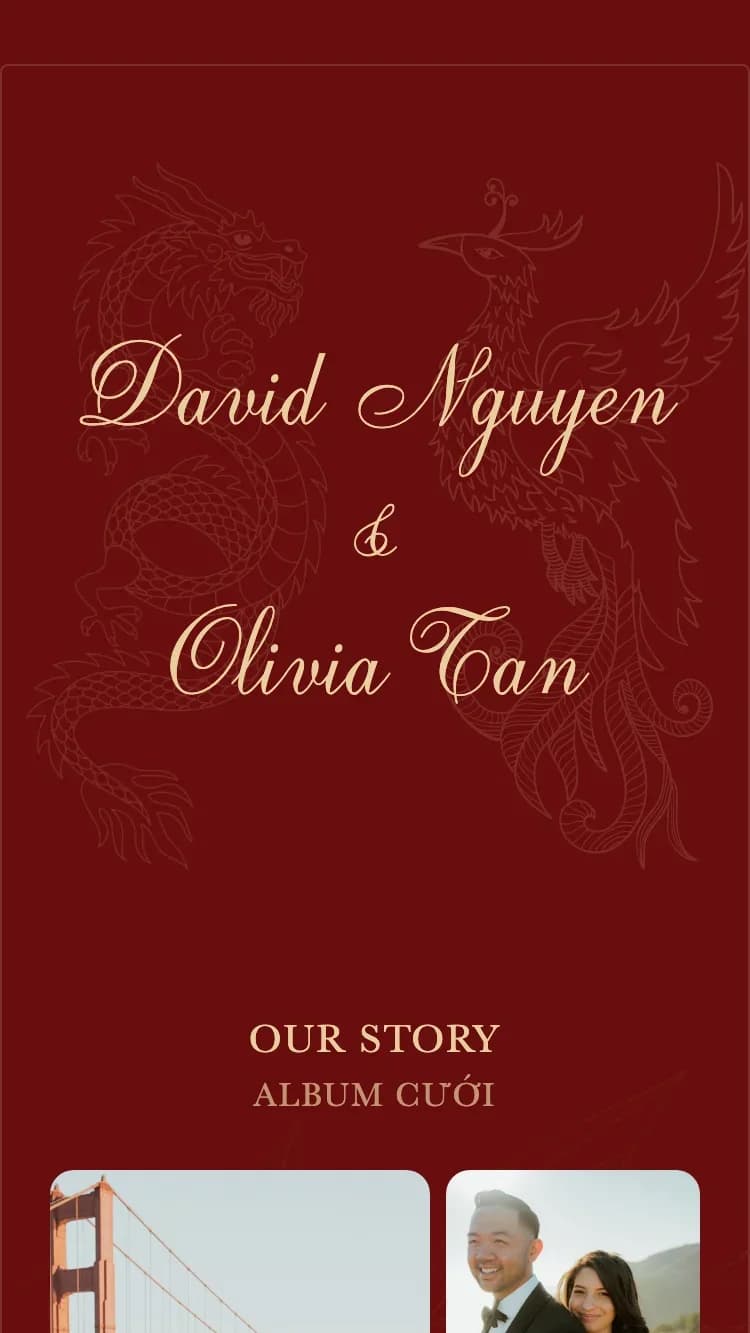
How to Create an Online Wedding Invitation in 10 Minutes | ChungDoi

How to Create Your Online Wedding Invitation

Pick a template, fill in your details, share with guests. Ten minutes is all it takes to have a polished digital wedding invitation.

Free to try
No signup needed
Ready in 10 minutes
15+ designer templates
テンプレートを見る

結婚式の招待状の作り方

たった7つの簡単なステップだけ。デザインの知識は一切必要ありません。

1

Choose a template

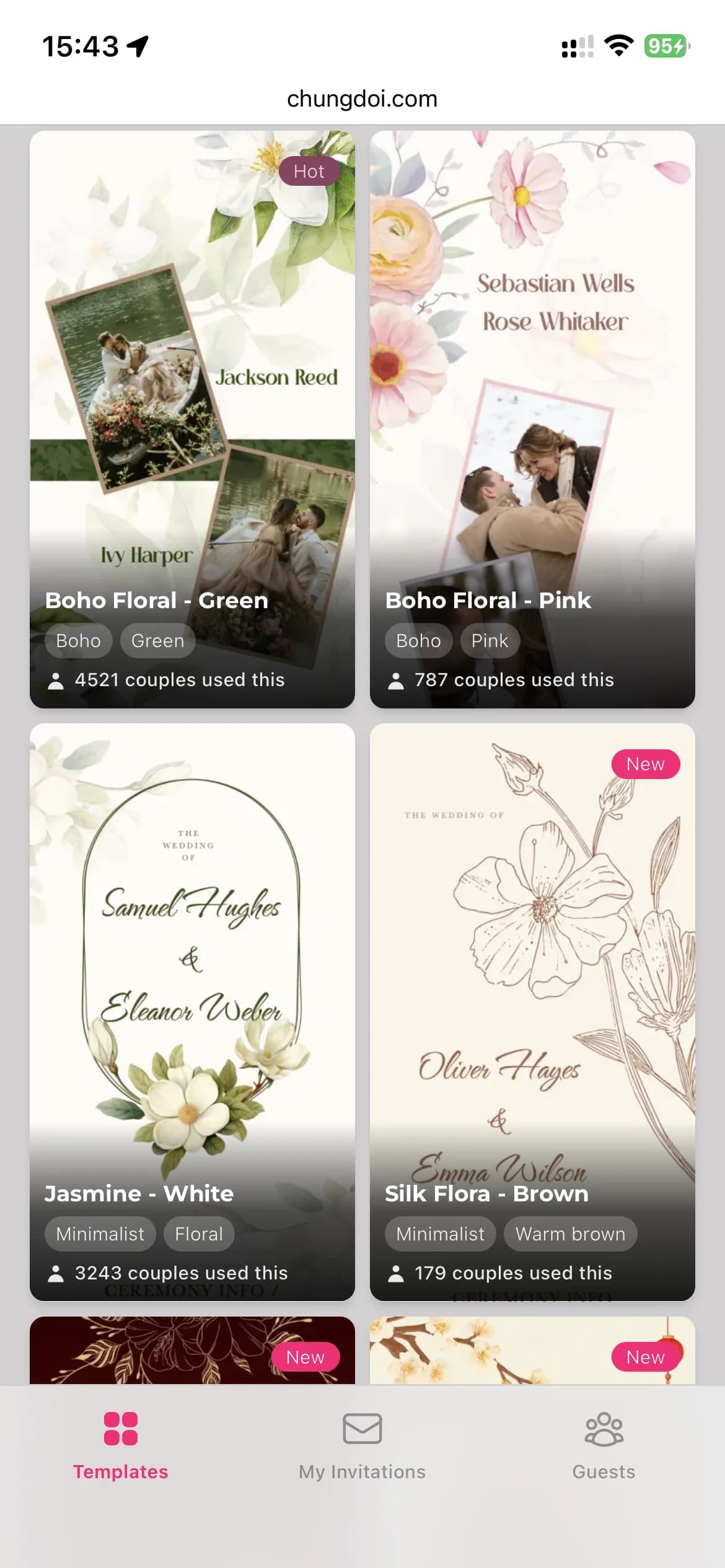
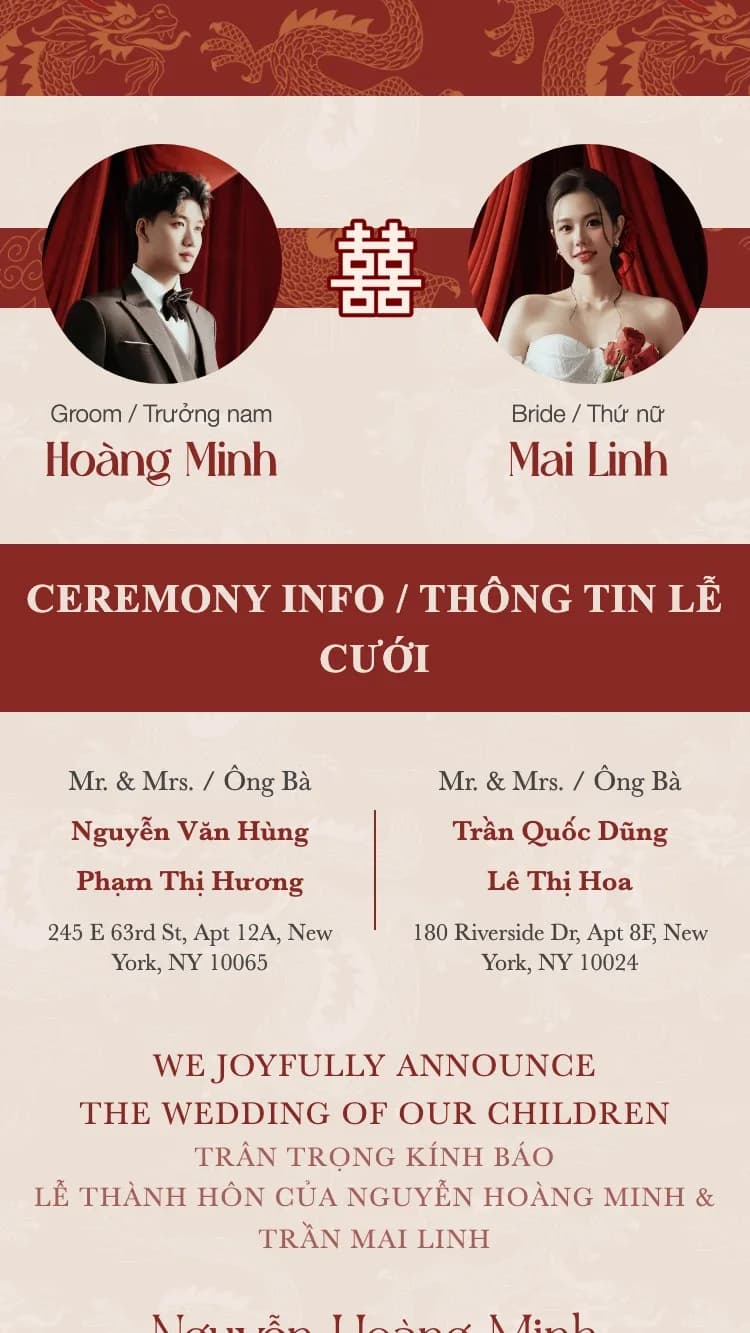
Browse a curated library of professionally designed wedding invitation templates. Every template has its own personality: traditional, modern, garden, minimalist.

Online wedding invitation template gallery on ChungDoi
2

Fill in your details

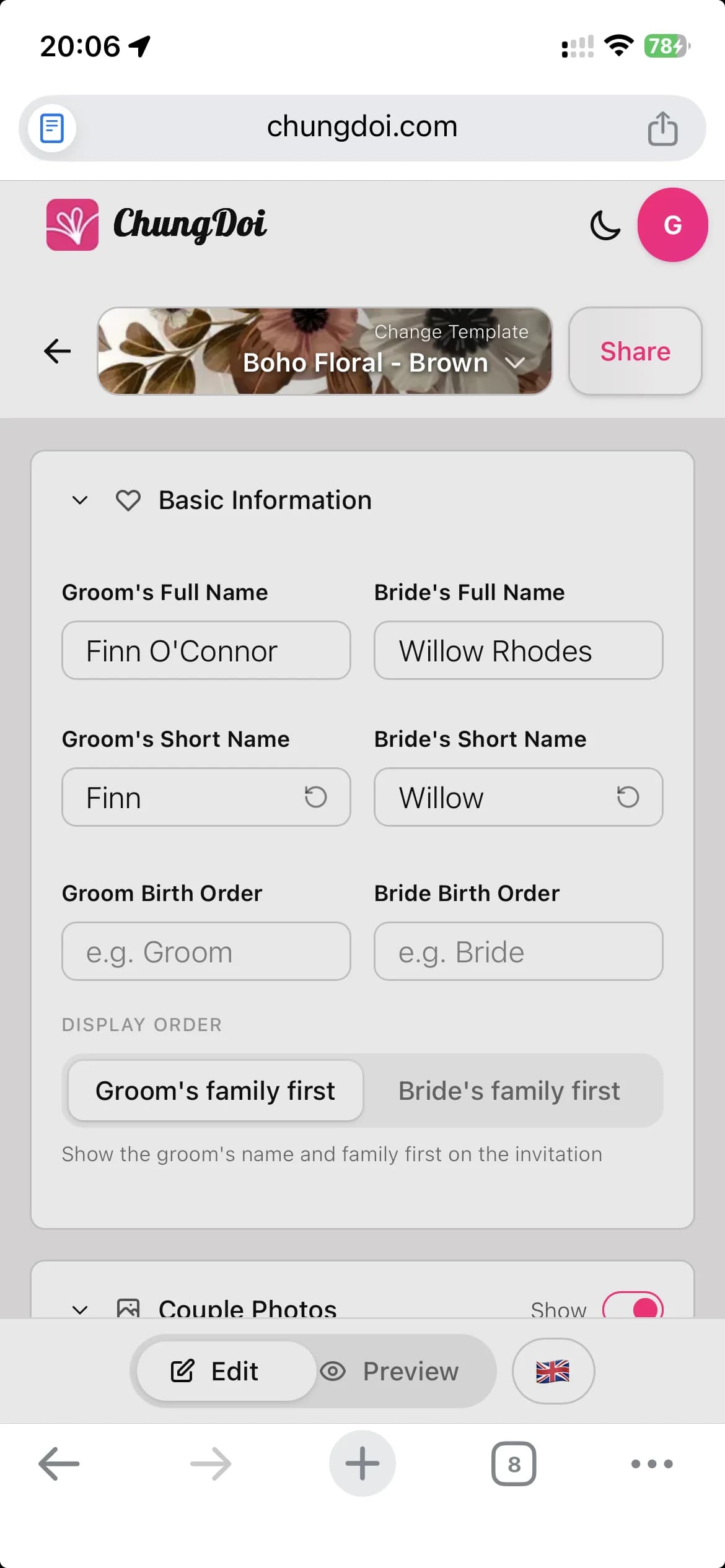
Add the couple's names, family info, ceremony date, and reception venue. The editor is point-and-click with a live preview, so you see every change as you type.

Online wedding invitation editor interface
3

Customize the content

Drop in your wedding photos, pick background music, embed a Google Map, add bank details for gifts, write your thank-you note. Everything in one invitation.

Customize wedding invitation content: photos, music, map
4

Preview before sharing

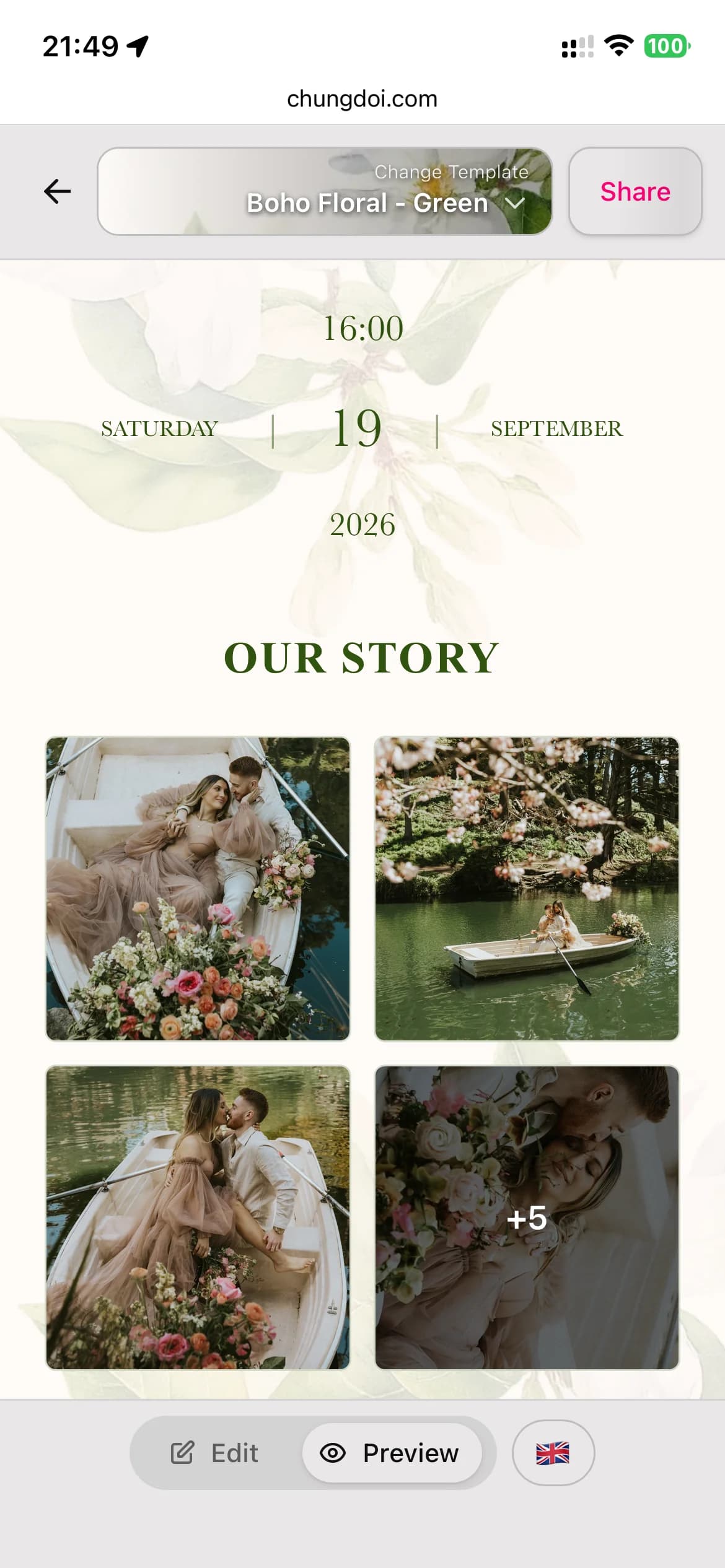
Toggle between edit mode and preview mode to check how the invitation feels to your guests. Catch typos and tweak the layout before sending.

Preview and share online wedding invitation
5

Personalize for each guest

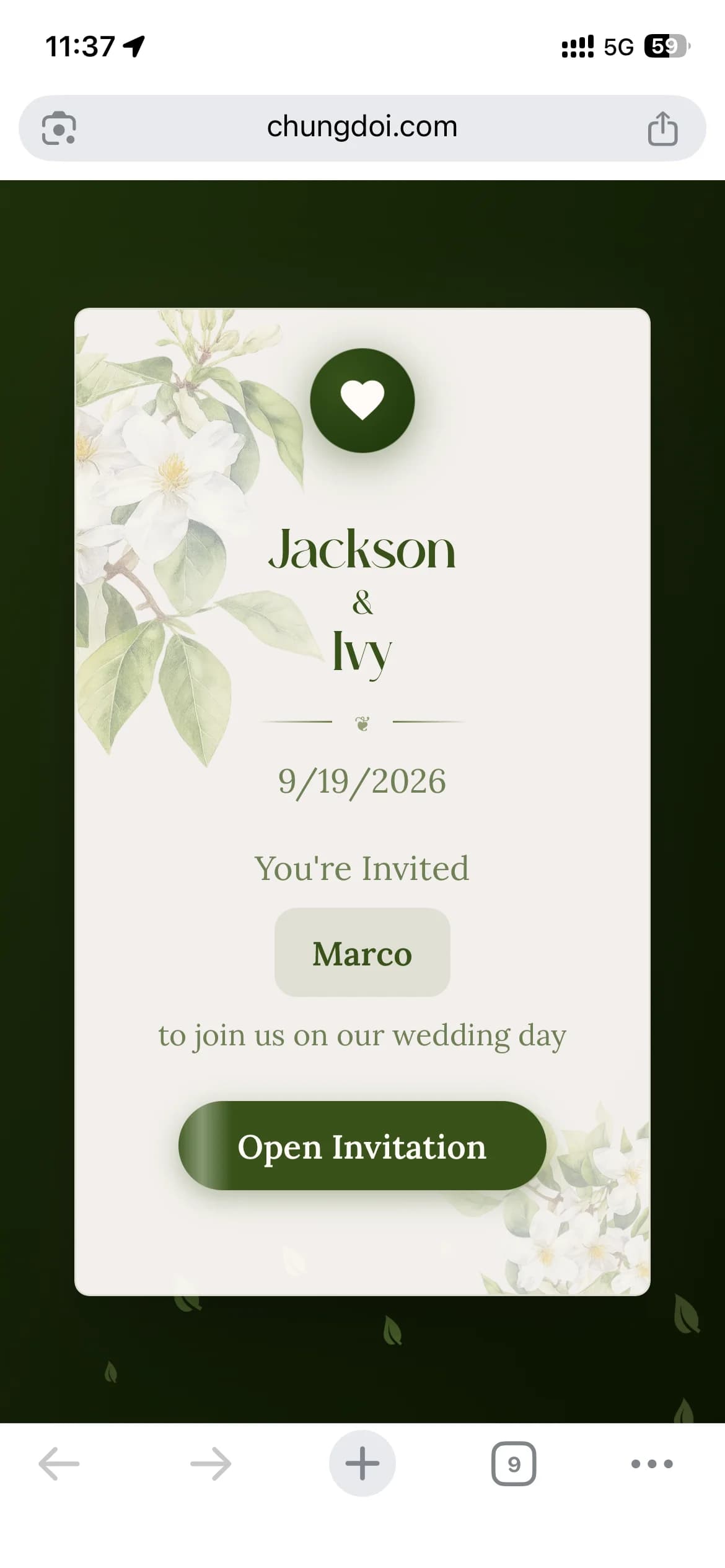
Send one shared link to everyone, or generate a unique link per guest with their name printed on the invitation. Guests feel valued when they see their own name on a card made for them.

Personalize online wedding invitation with guest names
6

Track RSVPs

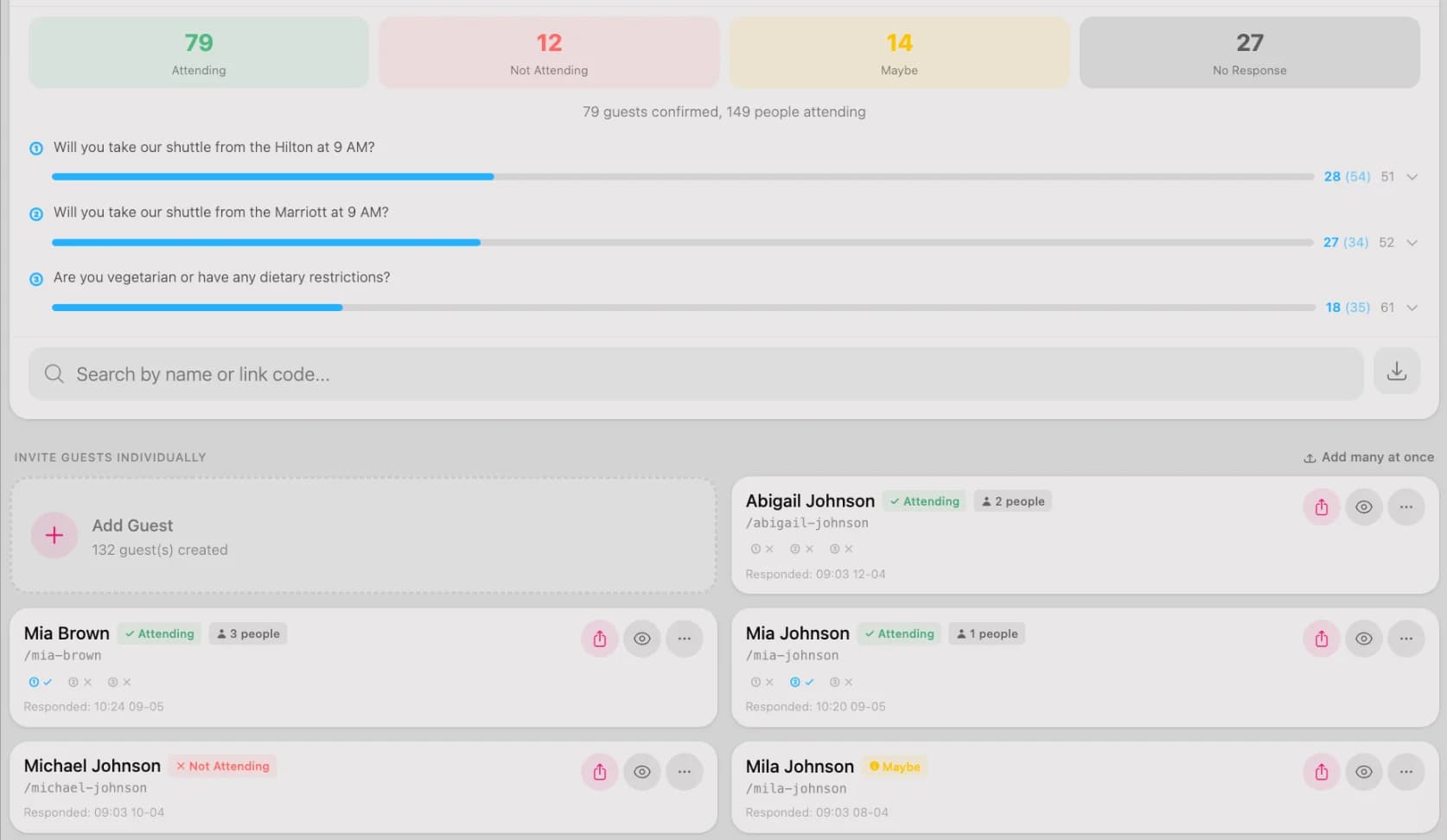
See who has confirmed, who hasn't, and how many guests to plan for. Add custom RSVP questions like dietary needs or shuttle requests so you can prepare ahead.

Manage guests and RSVP confirmations
7

Pay only when you love it

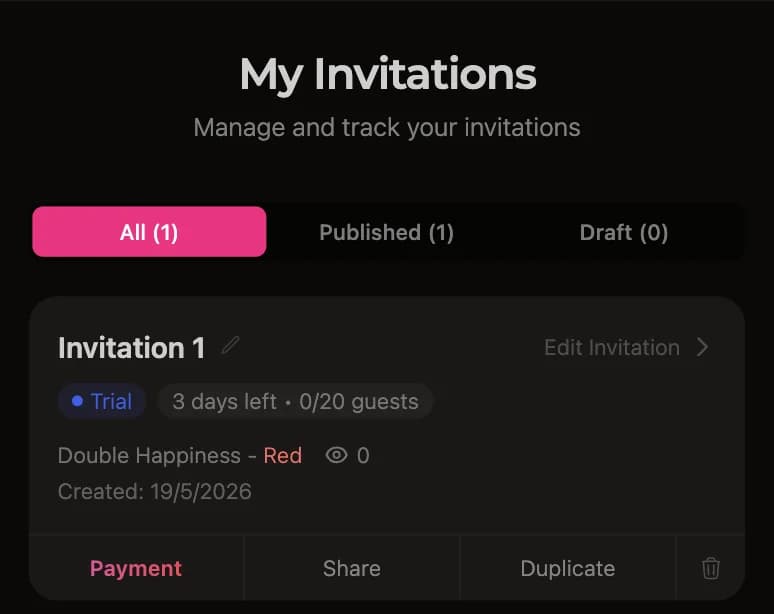
After the 3-day free trial, open the dashboard and tap the pay button. Scan the QR code from your banking app or transfer manually. The invitation activates automatically within seconds of payment.

Pay for online wedding invitation via bank transfer

Featured wedding invitation templates

Many professionally designed templates, each crafted for a different wedding style.

オンライン結婚式招待状には何が入っていますか?

ChungDoiの招待状には、新郎新婦の情報からQRコード付きのご祝儀箱まで、必要なものがすべて揃っています。

Couple info

Enter the bride and groom's full names. Short names are auto-extracted from full names and used on the envelope and smaller fields.

Groom's nameBride's nameBirth order

Family info

Parents' names from both sides, printed on the formal invitation. A staple of traditional Asian wedding invitations.

Groom's parentsBride's parentsGroom's family addressBride's family address

Ceremony

Engagement or wedding ceremony details. Multiple events on one invitation are supported, like a betrothal and the formal ceremony.

Date and timeVenueCeremony typeAnnouncement note

Reception

Reception details, including welcome time, dinner time, restaurant address, and a Google Map so guests can find their way easily.

Reception dateWelcome timeDinner timeRestaurant addressGoogle Map

Wedding day schedule

A vertical timeline of the day's events (welcome, reception, toasts, farewell) so guests know when to arrive, when the key moments happen, and when the party ends, without having to ask.

Toggle schedule on or offCustomizable section titleAdd, edit, reorder each eventMulti-language labels for international guests

Countdown and add to calendar

A live countdown to the wedding day builds anticipation, and a one-tap "Add to calendar" button lets guests save the date to Google Calendar or Apple Calendar.

Live countdown to the wedding dayAdd to Google CalendarAdd to Apple Calendar

Photo gallery

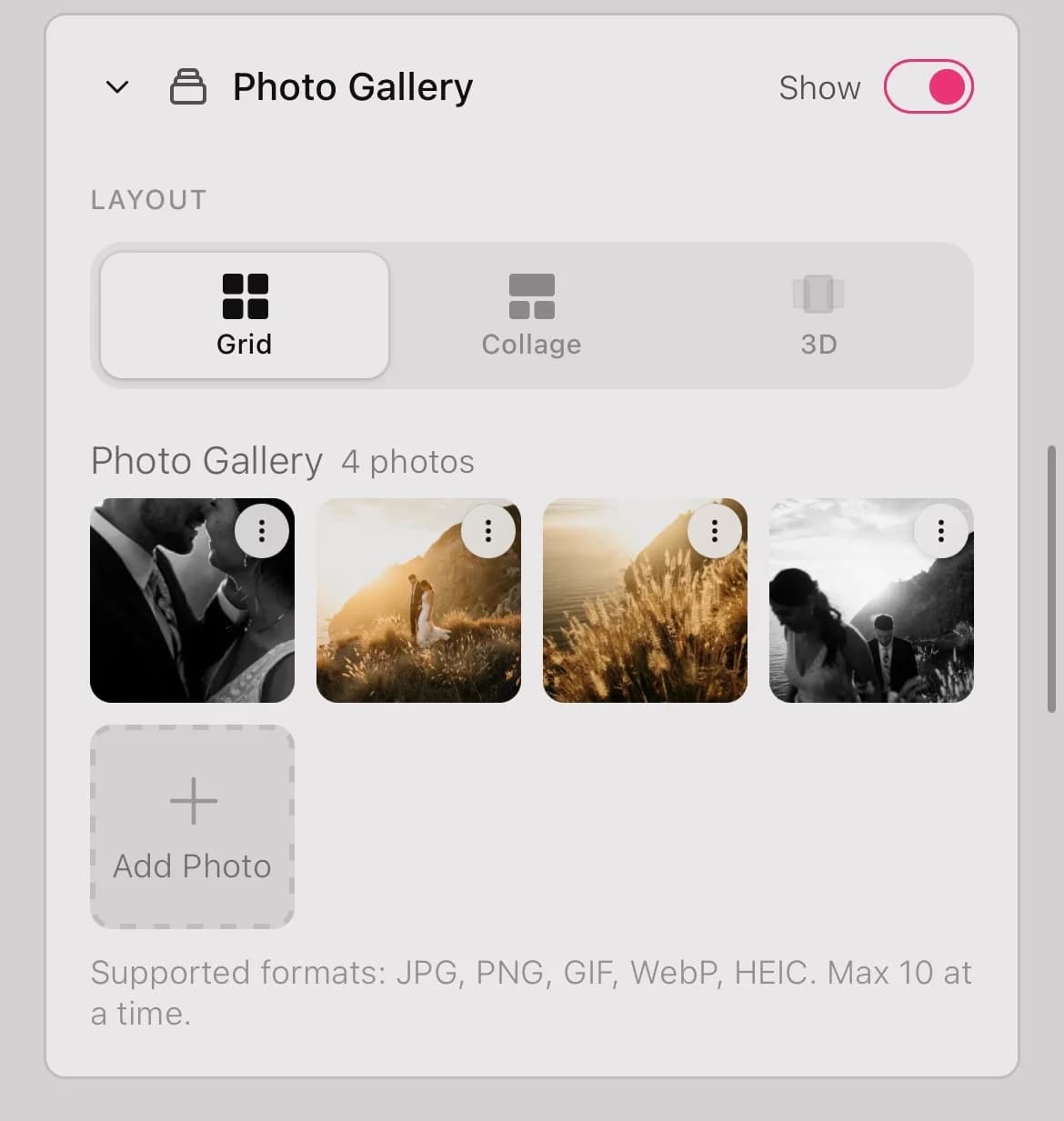
Upload your favorite engagement and wedding photos. The gallery renders as a grid with a lightbox when guests tap a photo.

Wedding photos (no upload limit)

RSVP

Guests confirm attendance directly on the invitation. Customize RSVP questions and review confirmed guests in your dashboard.

Toggle RSVP on/offCustom questions

Guestbook

Guests leave wishes directly on the invitation. All wishes are public, and you can moderate or delete inappropriate ones.

Toggle guestbook on/off

Gift box

Show both partners' bank account details so guests can transfer wedding gifts. QR codes are generated automatically from the account number.

Groom's bankGroom's account numberBride's bankBride's account number

Thank-you note

A personalized thank-you message at the end of the invitation, expressing gratitude to your guests for attending.

Thank-you content

Envelope

The envelope is the very first screen guests see. Customize the greeting and the guest's name on the envelope to make a memorable first impression.

GreetingGuest nameInvitation message

Background music

Pick background music from a curated library. The track plays automatically when guests open the invitation, setting a romantic mood.

Library tracks

よくあるご質問

デザインは得意ではありません。それでも素敵な招待状を作れますか。

もちろんです。すべてのテンプレートはプロが制作しています。お気に入りのデザインを選んで情報を入力するだけです。レイアウトの調整も、フォント選びも、配色を考える必要もありません。

とても忙しいのですが、時間はかかりますか。

10分ほどで完成します。テンプレートを選び、おふたりのお名前と日付を入力し、写真を数枚追加すれば招待状のできあがりです。すきま時間にスマホから準備でき、下書きを保存して後から続きを仕上げることもできます。

Web招待状は本当に無料ですか。

はい。招待状の作成、カスタマイズ、プレビューは無料で、登録も不要です。さらに公開後は、すべての機能を使える3日間のお試し期間をお楽しみいただけます。本当に気に入って長く残したいと思ったときだけ、お支払いいただきます。

始める前に何を準備すればよいですか。

できるだけ早く招待状を仕上げられるよう、次の情報をご用意ください。

  • おふたりの情報: 新婦と新郎のフルネーム
  • ご家族の情報: 両家のご両親のお名前
  • 日付と会場: 挙式と披露宴の詳細
  • 写真: お気に入りのウェディングフォト5~10枚
  • 口座情報: QRコードでご祝儀を受け取りたい場合の口座番号
ゲストはどのように招待状を受け取りますか。

専用のリンクをお受け取りいただけます。全員に1つの同じリンクを共有することも、ゲストごとにお名前入りの個別リンクを作ることもできます。LINE、Messenger、SMS、メールでお送りください。ゲストはどのスマホやパソコンからでも開けます。

ゲストは招待状から出欠を回答できますか。

はい。出欠確認(RSVP)は最初から組み込まれています。ゲストは招待状から直接回答でき、確定した出席者のリストはダッシュボードで確認できるので、席次の準備がとても楽になります。

支払いはどのように行いますか。

ダッシュボードを開いて支払いボタンを押します。振込用のQRコードが表示されるので、銀行アプリで読み取るか、手動で振り込むこともできます。招待状は数秒で自動的に有効になります。主要な銀行にすべて対応しています。

支払い後も編集を続けられますか。

はい。テンプレートの変更、写真の入れ替え、お名前の修正、日付の更新、音楽の追加を、いつでも行えます。テンプレートを変えても入力済みの内容は引き継がれます。変更は共有済みのリンクに即座に反映されるので、送り直す必要はありません。

Ready to make your wedding invitation?

Pick a template you love and start building your invitation today.