Cómo crear tu invitación de boda online
Elige una plantilla, completa tus datos y compártela con tus invitados. En solo diez minutos tendrás una elegante invitación de boda digital.
Cómo crear tu invitación de boda
Solo 7 pasos sencillos. No hace falta ningún conocimiento de diseño.
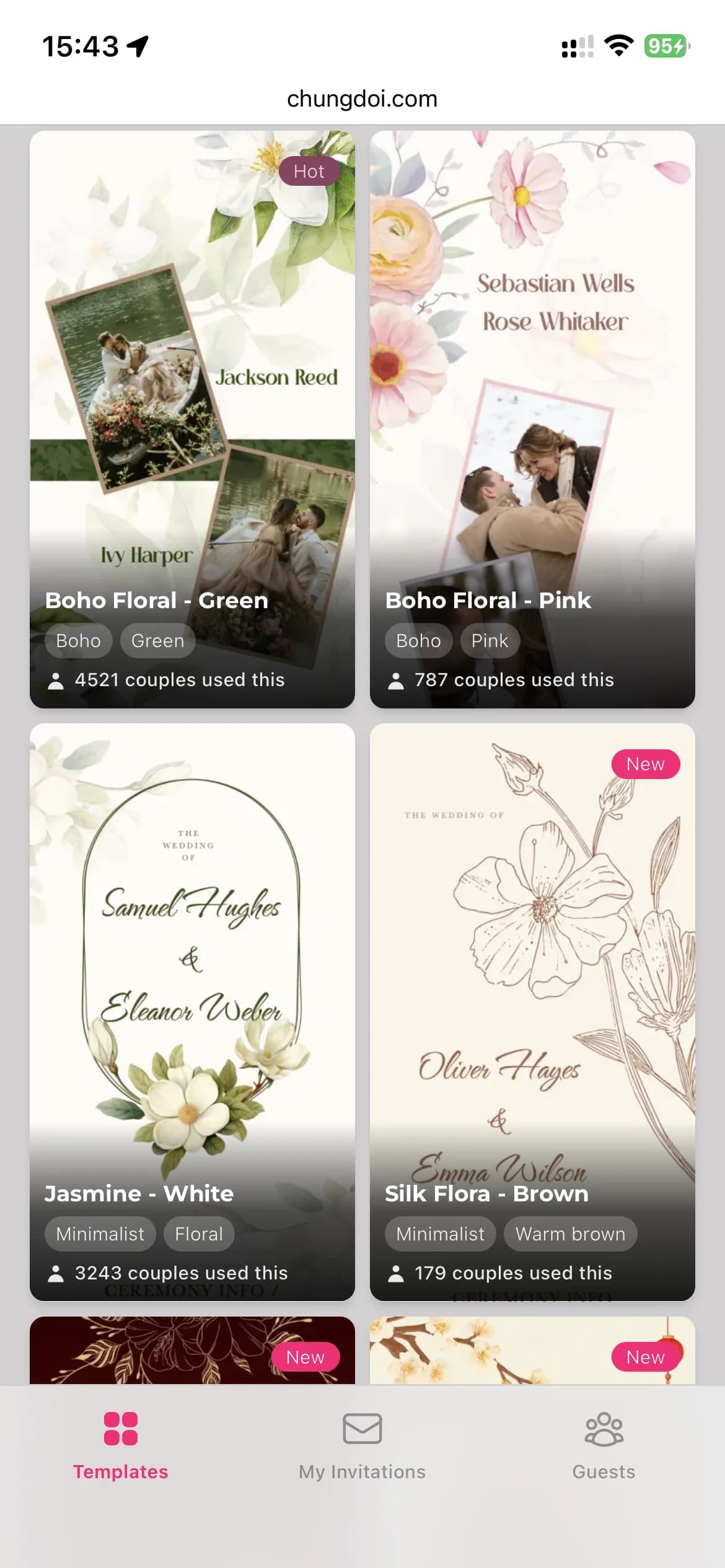
Elige una plantilla
Explora una biblioteca cuidadosamente seleccionada de plantillas de invitaciones de boda diseñadas por profesionales. Cada plantilla tiene su propia personalidad: tradicional, moderna, jardín, minimalista.
Completa tus datos
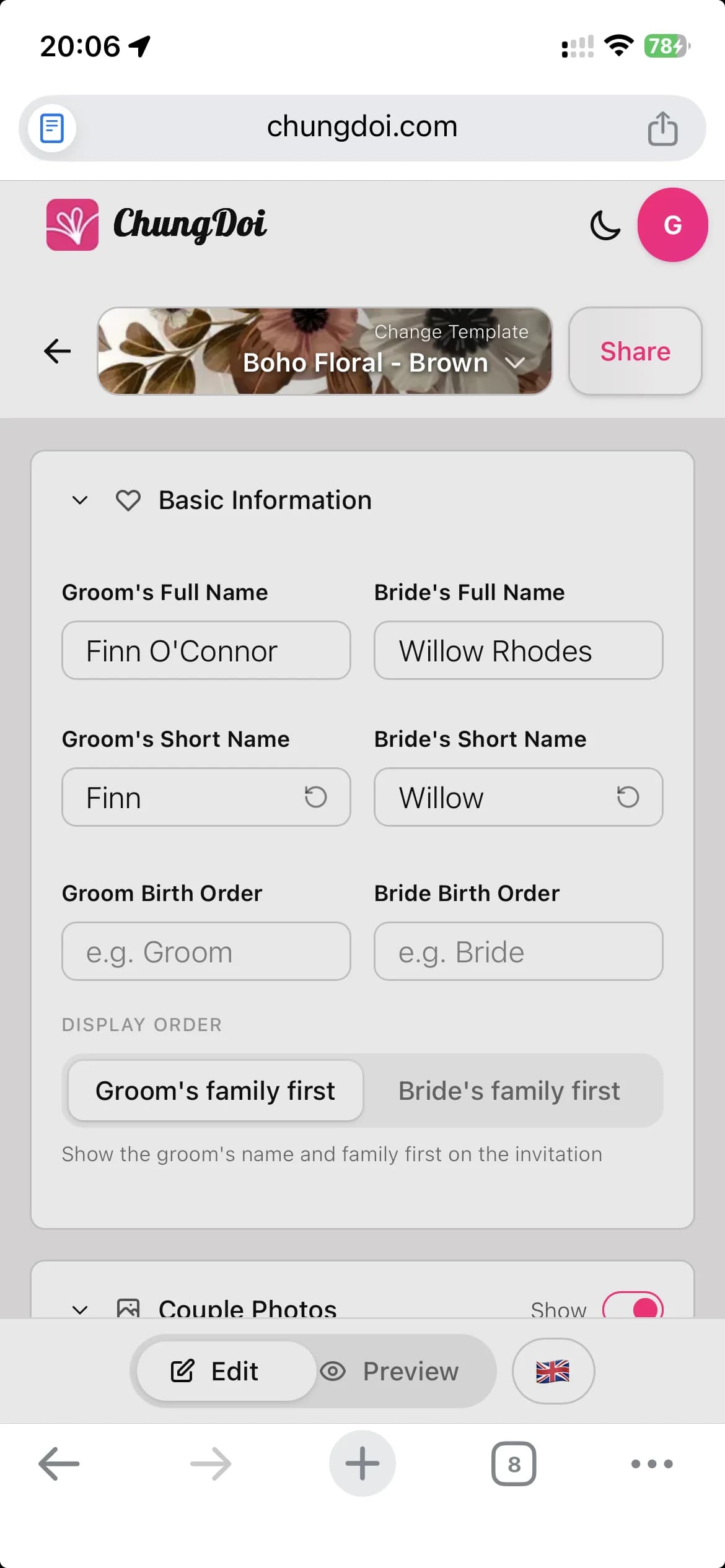
Añade los nombres de la pareja, la información familiar, la fecha de la ceremonia y el lugar del banquete. El editor funciona con un clic y una vista previa en vivo, así que ves cada cambio mientras escribes.
Personaliza el contenido
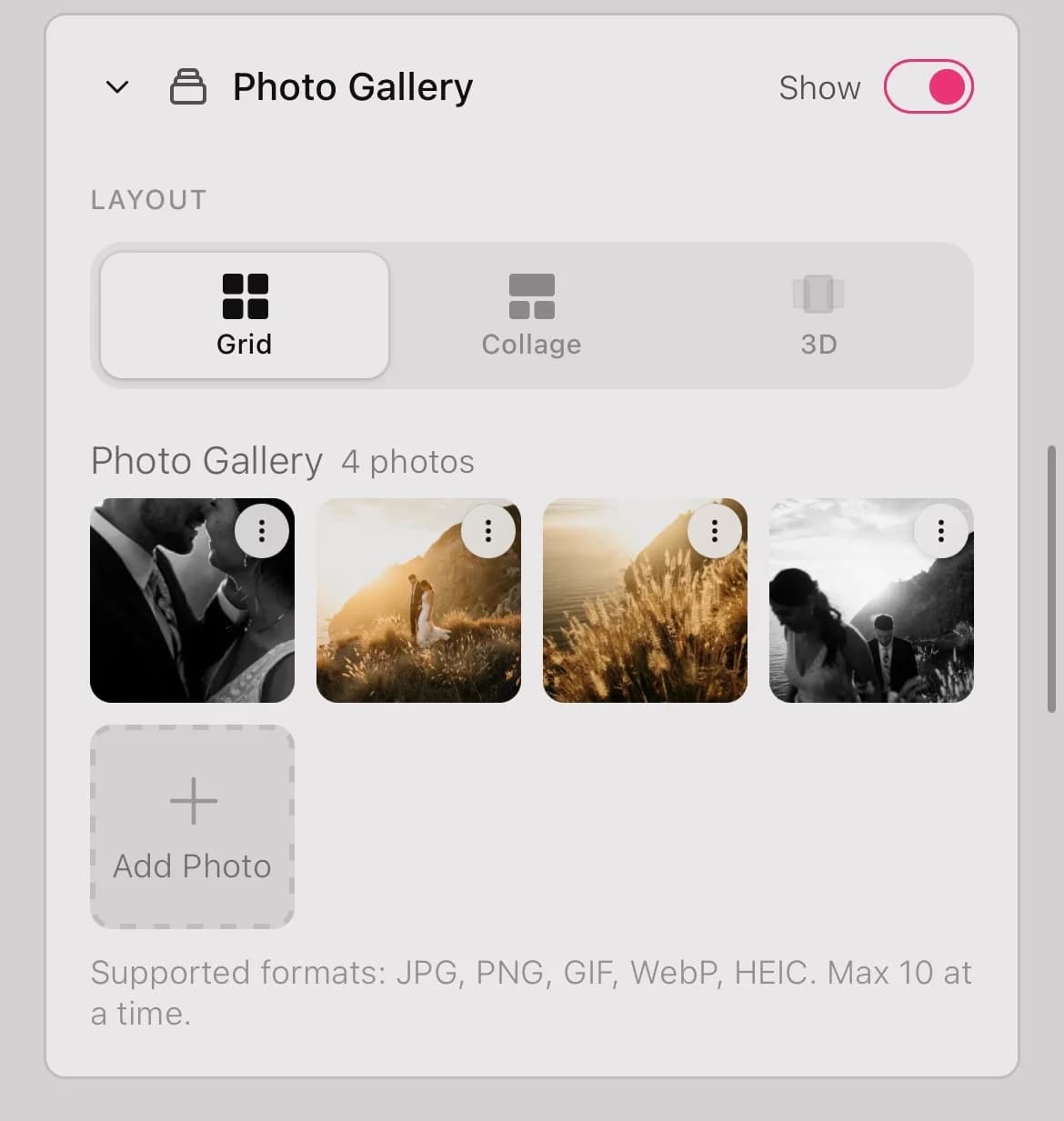
Incorpora tus fotos de boda, elige la música de fondo, inserta un mapa de Google, añade los datos bancarios para los regalos y escribe tu nota de agradecimiento. Todo en una sola invitación.
Revisa antes de compartir
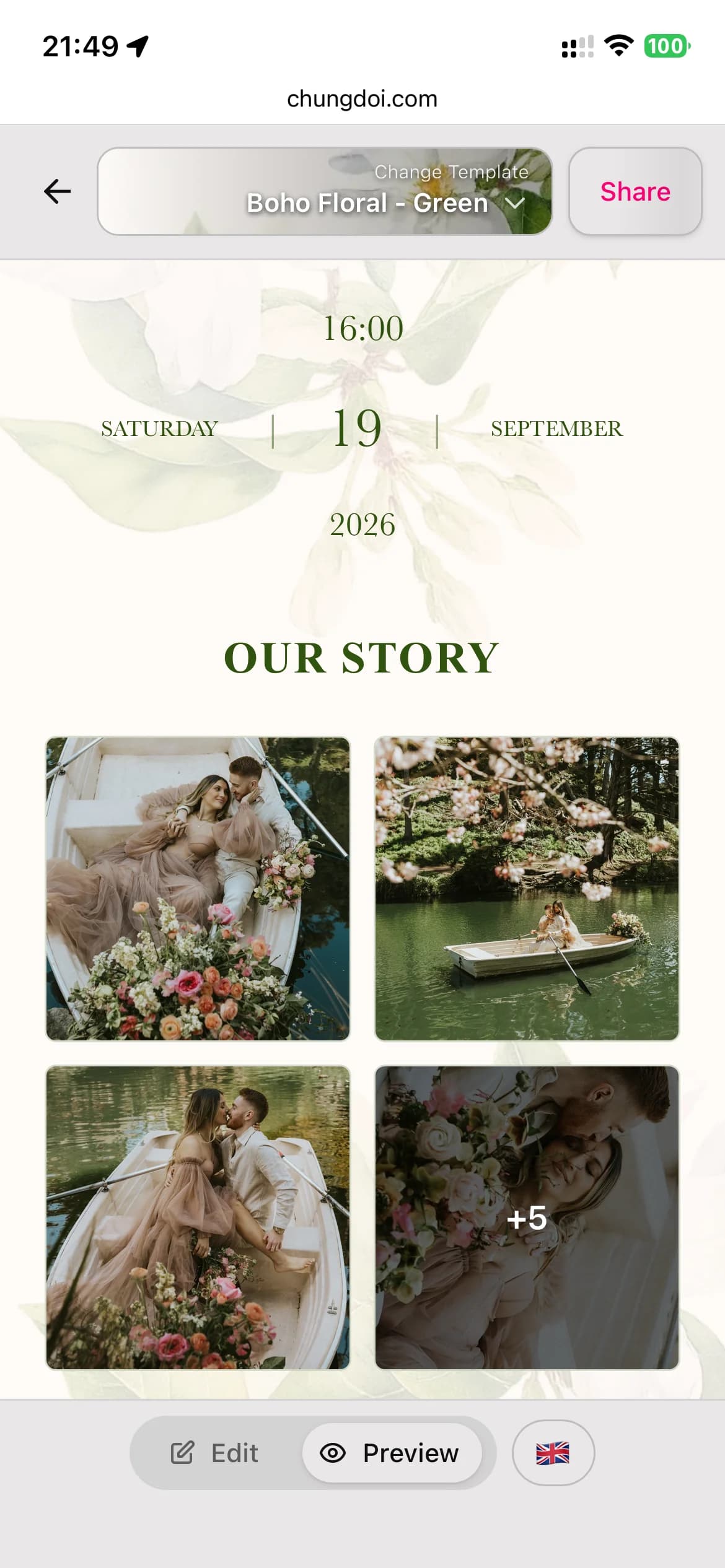
Alterna entre el modo de edición y el modo de vista previa para comprobar cómo verán la invitación tus invitados. Detecta erratas y ajusta el diseño antes de enviarla.
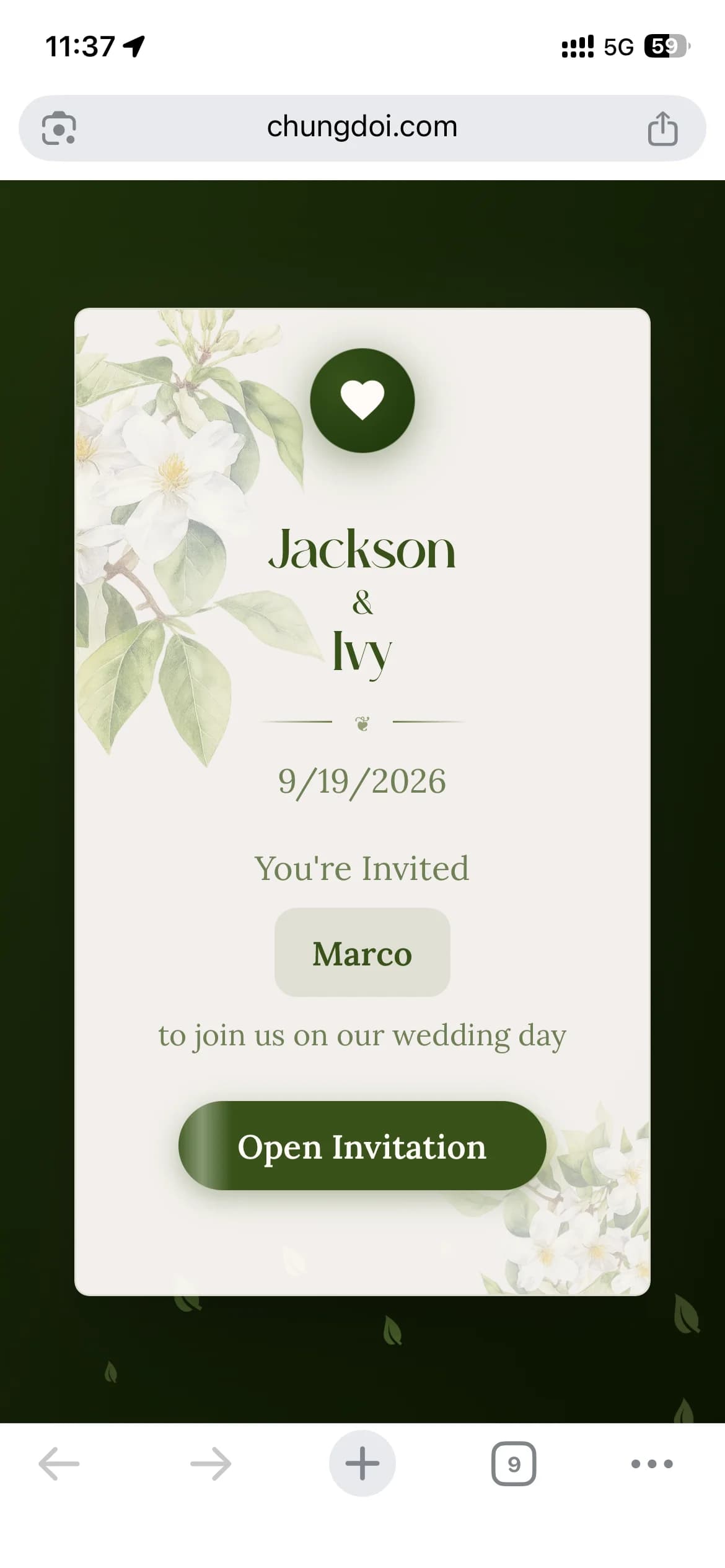
Personaliza para cada invitado
Envía un único enlace compartido a todos o genera un enlace exclusivo por invitado con su nombre impreso en la invitación. Los invitados se sienten especiales al ver su propio nombre en una invitación hecha para ellos.
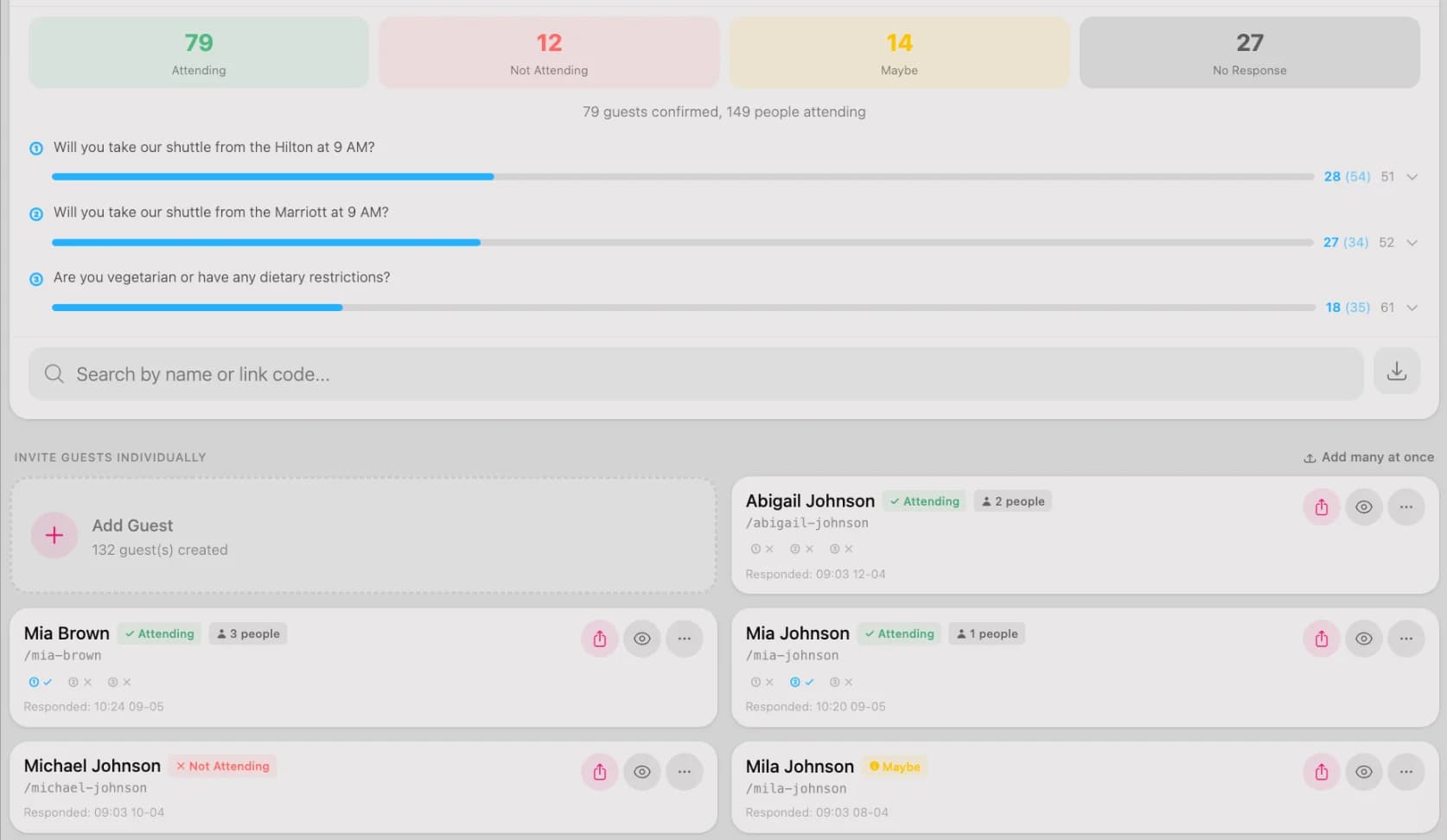
Haz seguimiento de los RSVP
Consulta quién ha confirmado, quién no y para cuántos invitados debes planificar. Añade preguntas personalizadas de RSVP, como necesidades alimentarias o solicitudes de transporte, para prepararte con antelación.
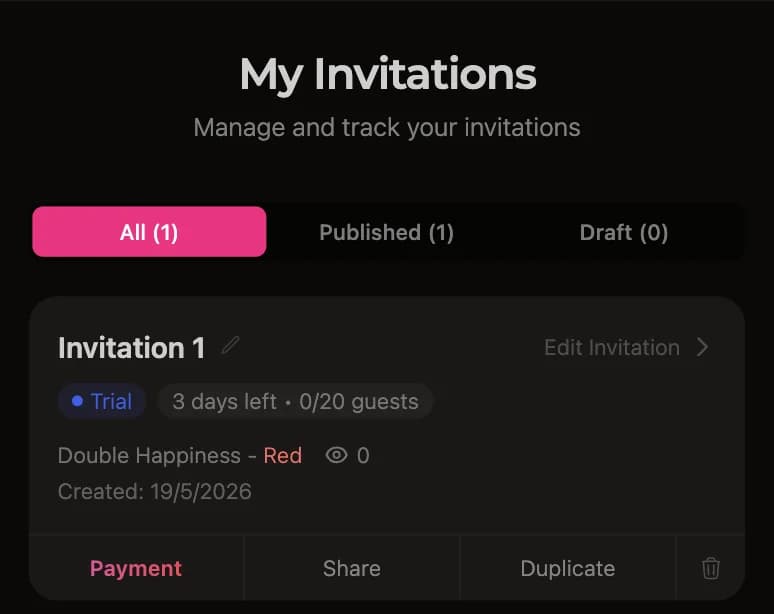
Paga solo cuando te encante
Tras la prueba gratuita de 3 días, abre el panel y toca el botón de pago. Escanea el código QR desde tu app bancaria o transfiere manualmente. La invitación se activa automáticamente segundos después del pago.
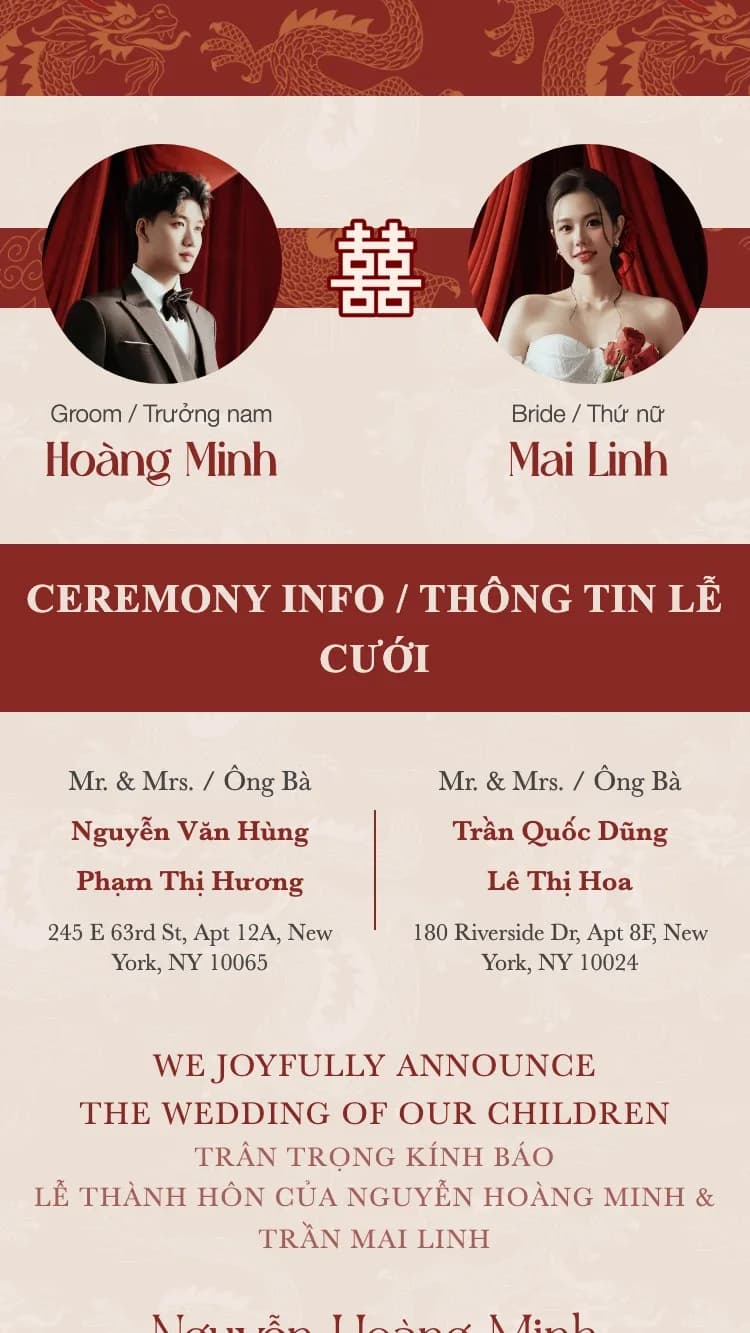
Plantillas de invitaciones de boda destacadas
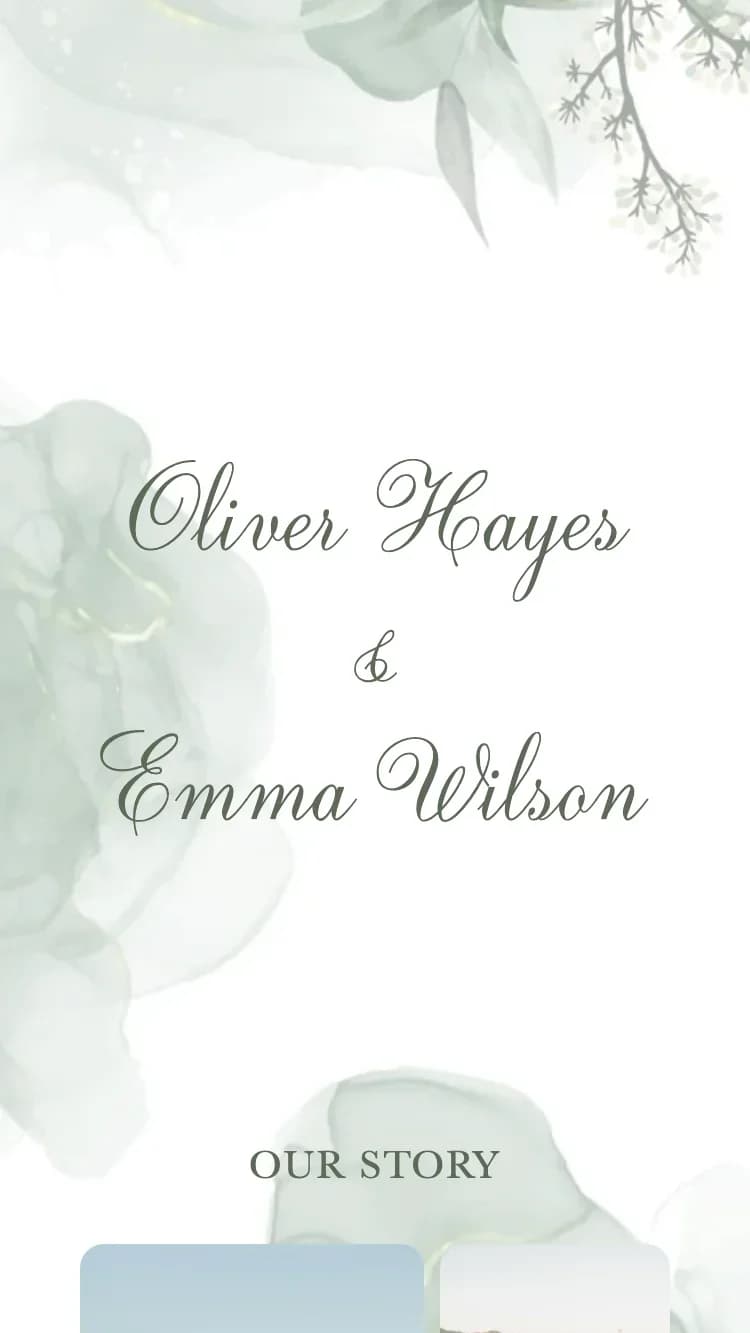
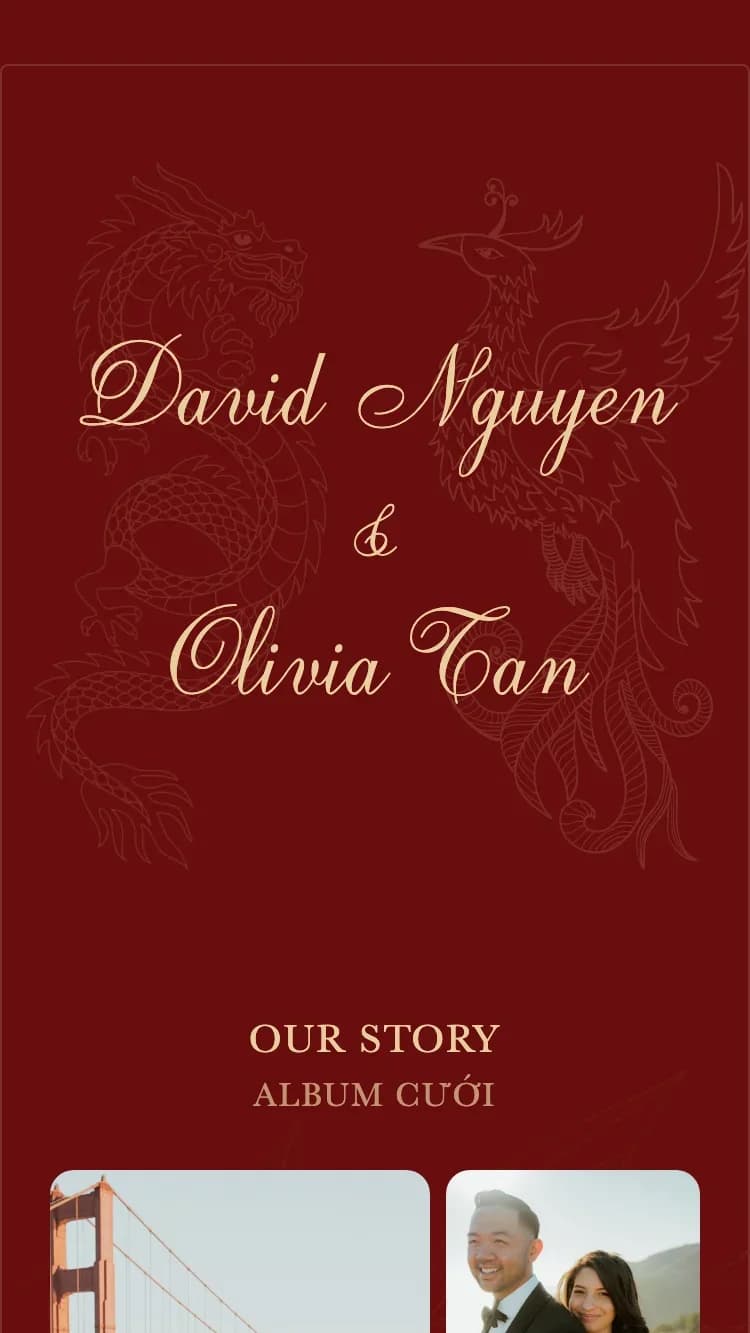
Muchas plantillas diseñadas por profesionales, cada una pensada para un estilo de boda diferente.

¿Qué contiene una invitación de boda online?
Una invitación de ChungDoi cubre todo lo que necesitas, desde la información sobre la pareja hasta una hucha con código QR integrada.
Información de la pareja
Introduce los nombres completos de los novios. Los nombres cortos se extraen automáticamente de los nombres completos y se usan en el sobre y en los campos más pequeños.
Información familiar
Los nombres de los padres de ambas partes, impresos en la invitación formal. Un elemento imprescindible de las invitaciones de boda tradicionales asiáticas.
Ceremonia
Detalles de la pedida de mano o de la ceremonia de boda. Se admiten varios eventos en una sola invitación, como una pedida y la ceremonia formal.
Banquete
Detalles del banquete, como la hora de recepción, la hora de la cena, la dirección del restaurante y un mapa de Google para que los invitados encuentren el camino fácilmente.
Programa del día de la boda
Una línea de tiempo vertical con los eventos del día (recepción, banquete, brindis, despedida) para que los invitados sepan cuándo llegar, cuándo suceden los momentos clave y cuándo termina la celebración, sin tener que preguntar.
Cuenta atrás y añadir al calendario
Una cuenta atrás en vivo hasta el día de la boda genera expectación, y un botón de "Añadir al calendario" con un solo toque permite a los invitados guardar la fecha en Google Calendar o Apple Calendar.
Galería de fotos
Sube tus fotos favoritas de la pedida y de la boda. La galería se muestra como una cuadrícula con una vista ampliada cuando los invitados tocan una foto.
RSVP
Los invitados confirman su asistencia directamente en la invitación. Personaliza las preguntas de RSVP y revisa los invitados confirmados en tu panel.
Libro de deseos
Los invitados dejan sus felicitaciones directamente en la invitación. Todas las felicitaciones son públicas, y puedes moderar o eliminar las que no sean apropiadas.
Hucha de regalos
Muestra los datos bancarios de ambos miembros de la pareja para que los invitados puedan transferir los regalos de boda. Los códigos QR se generan automáticamente a partir del número de cuenta.
Nota de agradecimiento
Un mensaje de agradecimiento personalizado al final de la invitación, para expresar tu gratitud a los invitados por acompañarte.
Sobre
El sobre es la primera pantalla que ven los invitados. Personaliza el saludo y el nombre del invitado en el sobre para causar una primera impresión memorable.
Música de fondo
Elige la música de fondo de una biblioteca seleccionada. La pista suena automáticamente cuando los invitados abren la invitación, creando un ambiente romántico.
Preguntas frecuentes
Por supuesto. Todas las plantillas las crean profesionales. Solo tienes que escoger la que más te guste y rellenar tus datos. Sin ajustes de maquetación, sin elegir tipografías ni combinar colores.
Unos diez minutos. Elige una plantilla, escribe los nombres de la pareja y la fecha, añade algunas fotos y la invitación queda lista. Puedes prepararla desde el móvil en un rato libre, guardar un borrador y volver más tarde para terminarla.
Sí. Crear, personalizar y previsualizar tu invitación es gratis y sin necesidad de registrarte. Además, tras publicarla disfrutas de un periodo de prueba de 3 días con todas las funciones. Solo pagas cuando tengas la certeza de que te encanta y quieres conservarla mucho tiempo.
Para terminar tu invitación lo antes posible, ten a mano estos datos:
- Datos de la pareja: Nombres completos de la novia y el novio
- Datos de la familia: Nombres de los padres de ambas partes
- Fecha y lugar: Detalles de la ceremonia y del banquete
- Fotos: De 5 a 10 de vuestras fotos de boda favoritas
- Datos bancarios: Número de cuenta, por si queréis recibir regalos mediante código QR
Recibes un enlace exclusivo. Comparte un único enlace con todos, o genera un enlace personalizado para cada invitado con su nombre en la invitación. Envíalo por WhatsApp, Messenger, SMS o correo electrónico. Los invitados pueden abrirlo desde cualquier móvil u ordenador.
Sí. La confirmación de asistencia (RSVP) ya viene integrada. Los invitados confirman directamente en la invitación, y tú puedes consultar la lista de asistencias confirmadas en tu panel, lo que facilita mucho la organización de las mesas.
Abre tu panel y pulsa el botón de pago. El sistema genera un código QR de transferencia que escaneas con la aplicación de tu banco, o también puedes transferir manualmente. La invitación se activa automáticamente en pocos segundos. Se aceptan todos los principales bancos.
Sí. Puedes cambiar de plantilla, cambiar las fotos, corregir nombres, actualizar fechas y añadir música en cualquier momento. Cambiar de plantilla conserva tu contenido. Cada cambio aparece al instante en el enlace que ya has compartido, así que nunca tienes que volver a enviarlo.
Guías y herramientas útiles
Generador de mensajes de boda
La IA te ayuda a escribir el mensaje adecuado para la invitación con tu tono.
Creador de foto Save the Date
Crea una imagen "save the date" para anunciar tu fecha con antelación.
Invitación de boda bilingüe
Muestra tu invitación en dos idiomas para tus invitados internacionales.
¿Listo para crear tu invitación de boda?
Elige la plantilla que más te guste y empieza a crear tu invitación hoy mismo.

